
Software
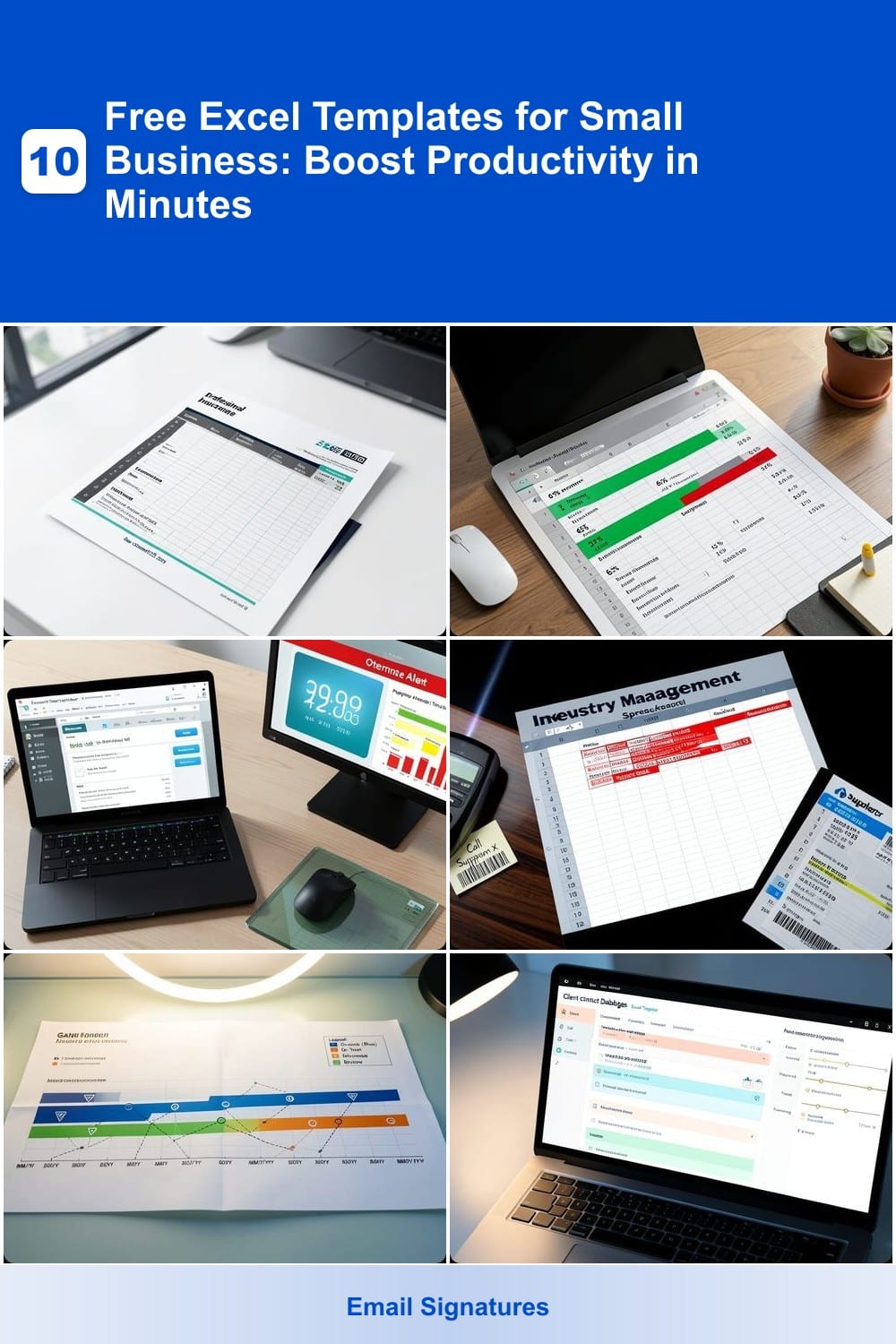
Small business owners juggling spreadsheets on a budget can save hours with these 10 free Excel templates. From invoicing to inventory, these ready-made tools eliminate repetitive tasks while keeping finances and operations organized—without breaking the bank.
Professional Business Invoice Template
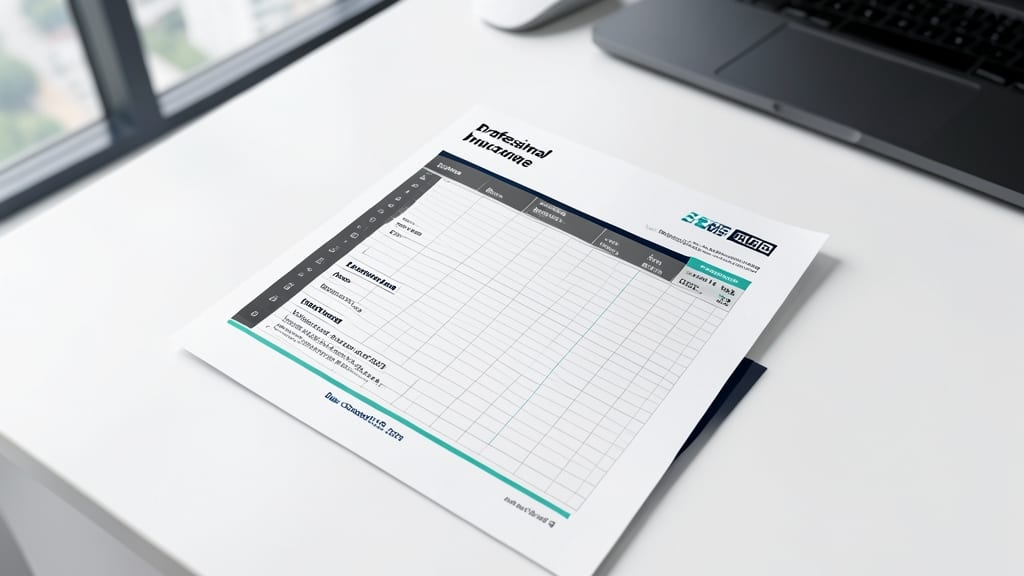
First impressions matter—especially when it comes to invoices. This Professional Business Invoice Template transforms generic spreadsheets into polished client communications with just a few clicks, complete with customizable fields for services, products, taxes, and payment terms.
Designed for freelancers and service providers, it includes pre-built formulas for subtotals, taxes, and due dates while leaving room for your company logo and branding. The template works seamlessly in Excel 2016 and later, ensuring compatibility whether you’re on Windows or Mac. No hidden costs or watermarks—just a clean, professional look that builds trust with clients.
Perfect for solopreneurs, consultants, or small agencies sending invoices weekly, this template cuts down on manual formatting while keeping your finances organized. Download it once and reuse it endlessly—your clients will never guess it’s free. ✨
Small Business Budget Planner
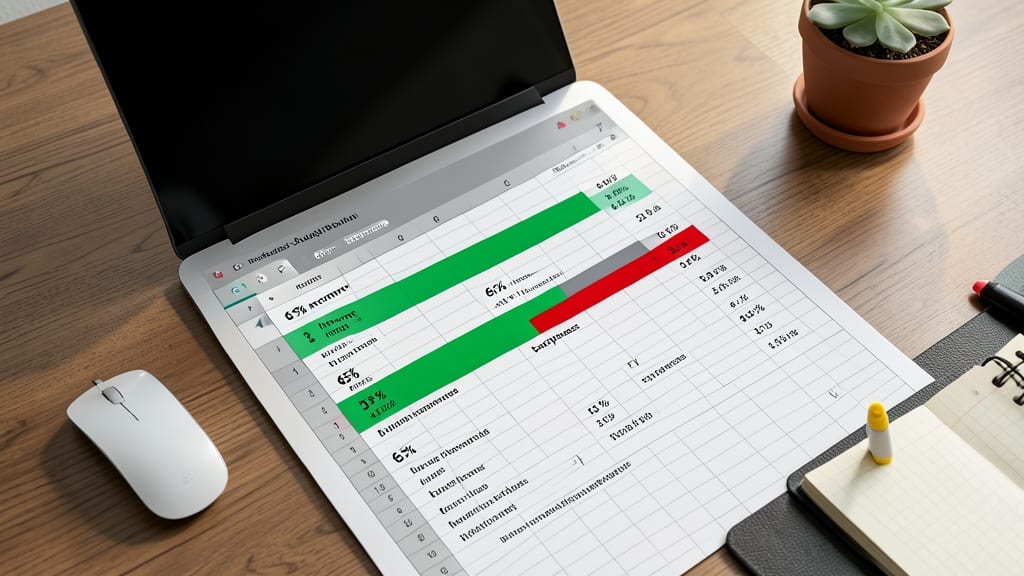
If financial clarity feels like solving a puzzle without the pieces, this Small Business Budget Planner template turns numbers into actionable insights. It automatically calculates percentages for income vs. expenses, so you can spot trends at a glance—no manual formulas required.
The template uses color-coded categories (blue for income, green for expenses) to visually separate cash flow, while built-in percentage calculations show exactly where your money goes. Compatible with Excel 2013 and later, it’s ready to use on Windows, Mac, or mobile—just plug in your numbers and let it do the heavy lifting.
Perfect for startups and solopreneurs who need a zero-config way to track profitability without learning advanced Excel. 💡
Employee Timesheet Tracker
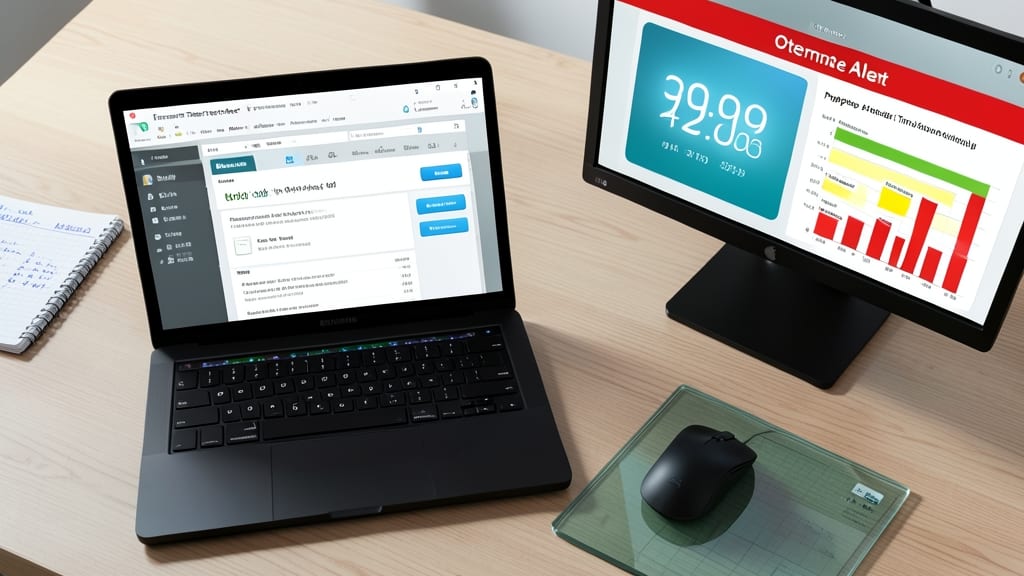
Say goodbye to manual timesheet headaches with this Employee Timesheet Tracker designed to streamline payroll for hourly workers and contractors. The template includes pre-built clock-in/out timers, automated overtime alerts, and project-based time allocation—so you can track billable hours without the guesswork.
Key features include drop-down menus for projects/clients, formula-driven hourly totals, and color-coded overtime warnings to flag when employees exceed their limits. Compatible with Excel 2010 and later, it’s ready to use right out of the box—just input your team’s names and rates. The project allocation fields let you assign time to specific clients or tasks, making invoicing a breeze.
This template is a lifesaver for small businesses with hourly staff, contractors, or project-based teams—especially those juggling payroll alongside other responsibilities. Download it to cut hours off your weekly admin workload! ✨
Inventory Management Spreadsheet
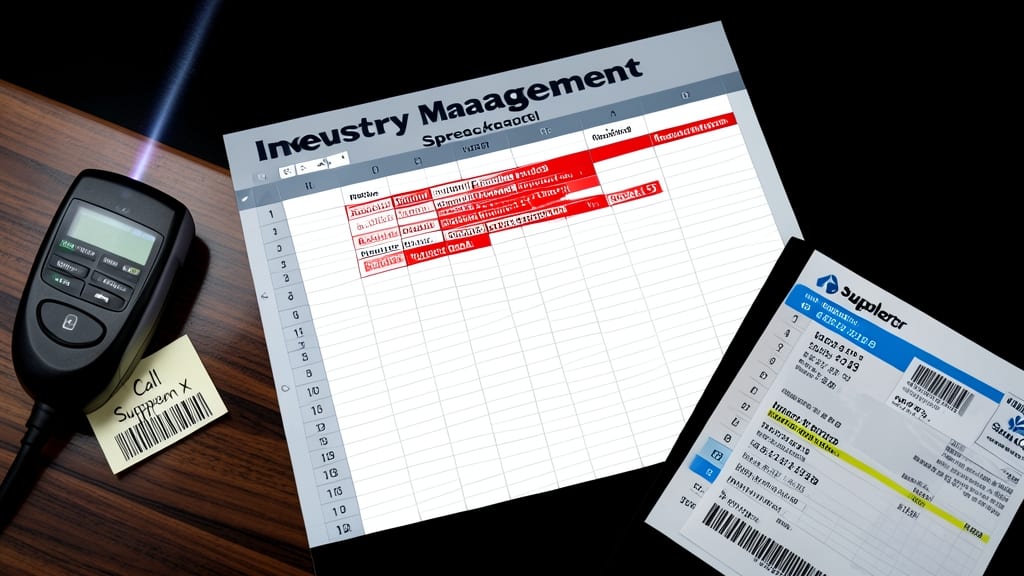
Running low on stock is the last thing you want when a customer asks for a product—but tracking inventory manually is a nightmare. This Inventory Management Spreadsheet solves that with automated alerts for reorder points, supplier contact details, and even barcode scanning support (via Excel’s built-in tools).
Designed for Excel 2016 and later, it includes tabs for tracking stock levels, supplier info, and purchase orders—all with conditional formatting to highlight low-stock items in red. The template also calculates cost per unit and total value of inventory, so you can spot trends fast. Best of all, it’s fully customizable to fit your product categories.
Perfect for small retailers, e-commerce sellers, or wholesalers who need to balance stock without hiring an inventory manager. Avoid overstocking or stockouts with this battle-tested setup. ⚡
Project Management Timeline
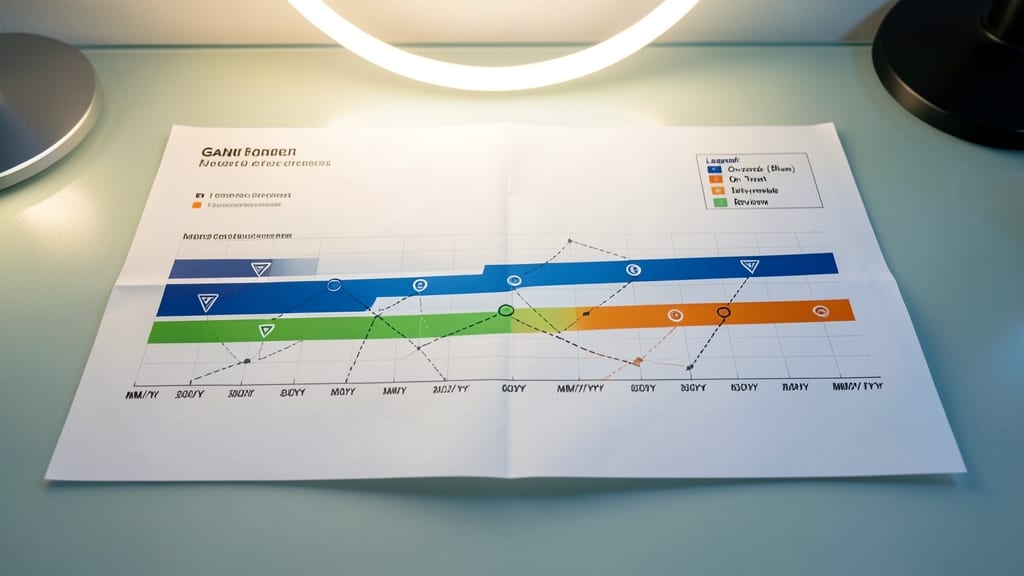
Juggling multiple client projects with tight deadlines? A Gantt-style timeline template transforms chaos into clarity by displaying tasks as visual bars with start/end dates—no project management software required.
This template includes color-coded task bars, milestone markers, and dependency links to show how projects overlap. Simply input your deadlines, and Excel auto-generates a timeline you can print or share with clients. The drag-and-drop interface lets you adjust timelines in real time, while built-in progress tracking highlights delays before they become crises.
Ideal for solopreneurs or small teams managing freelance gigs, agency projects, or product launches, this template cuts planning time by 70% while keeping everyone aligned. ✨
Client Contact Database
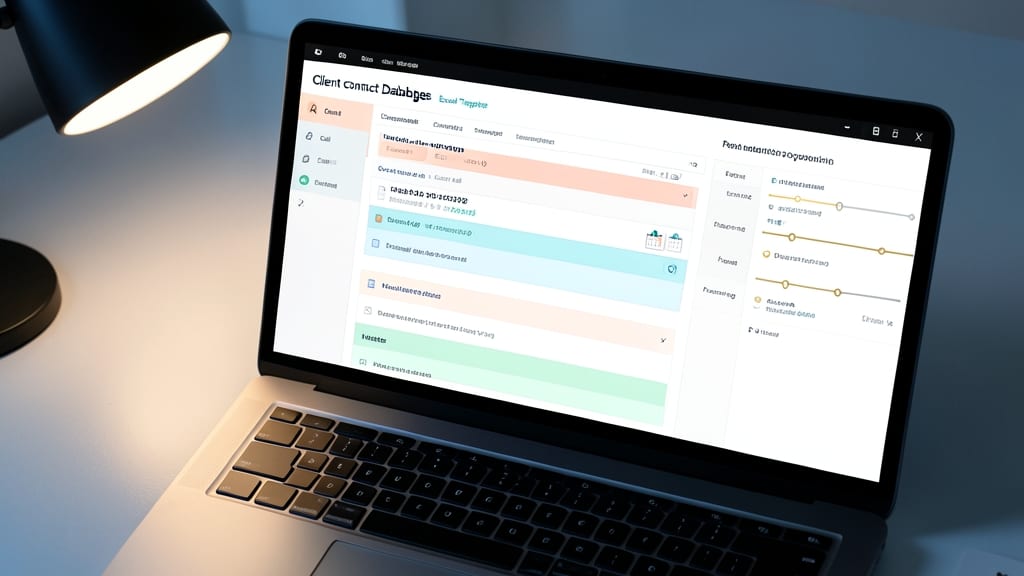
Tired of losing track of client follow-ups or scrambling for contact details mid-conversation? A client contact database template solves this with customizable fields for notes, follow-up dates, and interaction histories—all in one organized sheet.
This template includes pre-built dropdowns for contact types (prospect, client, vendor) and a follow-up tracker with automated reminders. You can also add fields like "last contact method" or "contract renewal dates" to tailor it to your workflow. The built-in search function ensures you’ll never miss a lead again.
Perfect for sales teams, freelancers, or service providers who juggle multiple clients—it keeps all interactions in one place so you can focus on building relationships instead of digging through emails. 💻
Expense Receipt Tracker
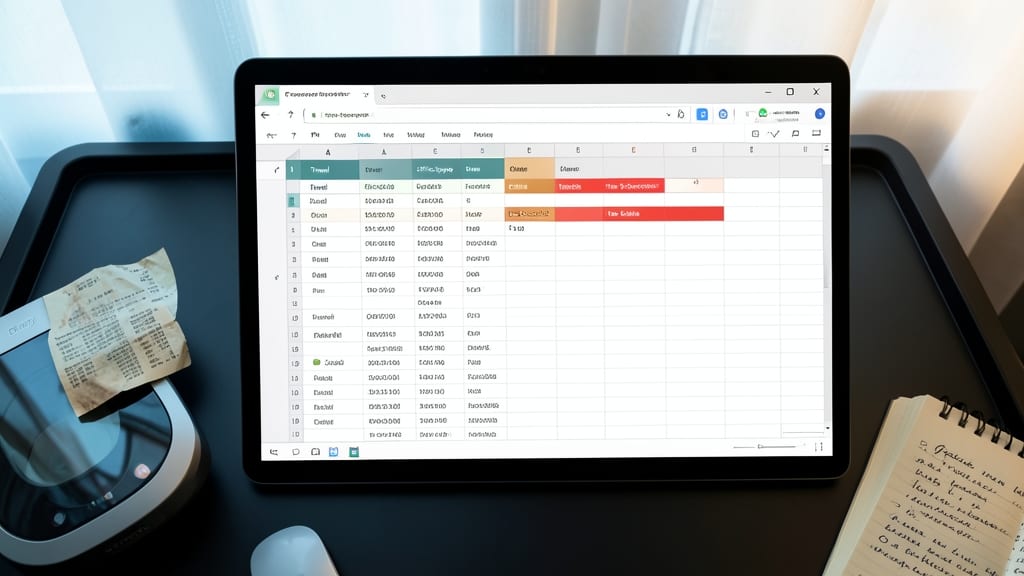
Tax season doesn’t have to be a headache—this Expense Receipt Tracker template automates the tedious work of categorizing expenses and flagging tax-deductible items, so you can focus on what matters. With built-in OCR scanning for receipts and pre-set categories (like "Travel," "Office Supplies," and "Meals"), you’ll spend less time digging through paper trails and more time maximizing deductions.
The template includes color-coded flags for tax-deductible expenses, a monthly summary dashboard, and even space to attach digital receipts. No more shoeboxes or last-minute scrambling—just a clean, organized system that adapts to your business’s unique needs. Plus, the Excel formulas automatically calculate totals, so you’re always ready for audits or quarterly reviews.
Freelancers, consultants, and small business owners who hate paperwork will love this—it’s the perfect tool to keep receipts organized year-round. 💡
Social Media Content Calendar
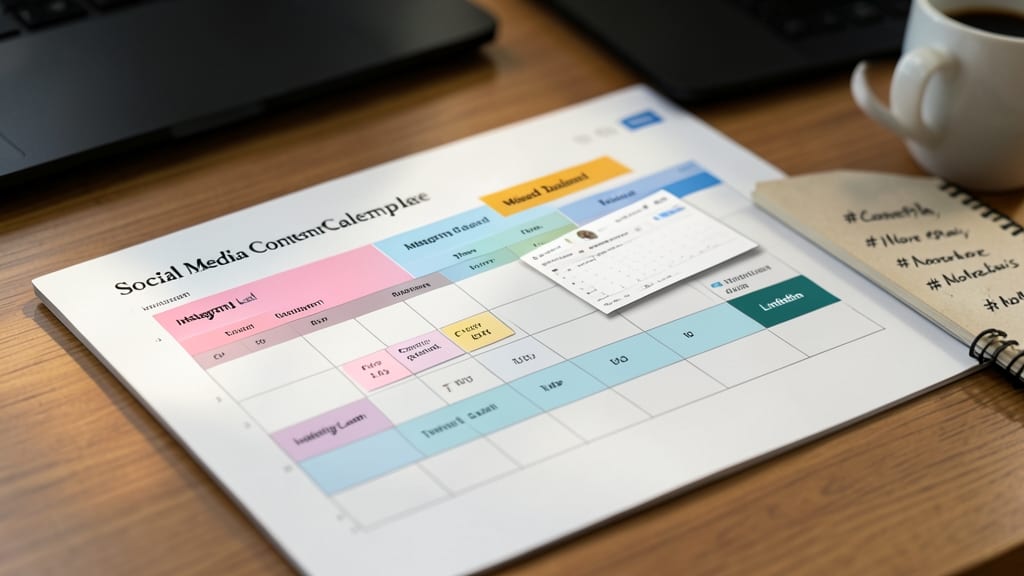
If your social media strategy feels like chaos—missed deadlines, forgotten posts, or last-minute scrambles—this Social Media Content Calendar template brings order to the madness. Designed for teams or solo creators, it combines a visual timeline with task assignments, platform-specific columns, and automated deadline alerts to keep your content pipeline running smoothly.
The template includes pre-built sections for post ideas, captions, hashtags, and platform-specific scheduling (Instagram, LinkedIn, Twitter, etc.). You can assign team members to tasks with color-coded cells, track publishing dates, and even include a "content bank" for evergreen posts. Compatible with Excel 2016 and later, it syncs seamlessly with Google Sheets for cloud collaboration.
Perfect for marketing teams, freelancers, or small business owners juggling multiple platforms, this template ensures no post slips through the cracks. Whether you're launching a campaign or maintaining a steady stream of content, it’s the ultimate tool for staying organized without the guesswork. ✨
Break-Even Analysis Calculator
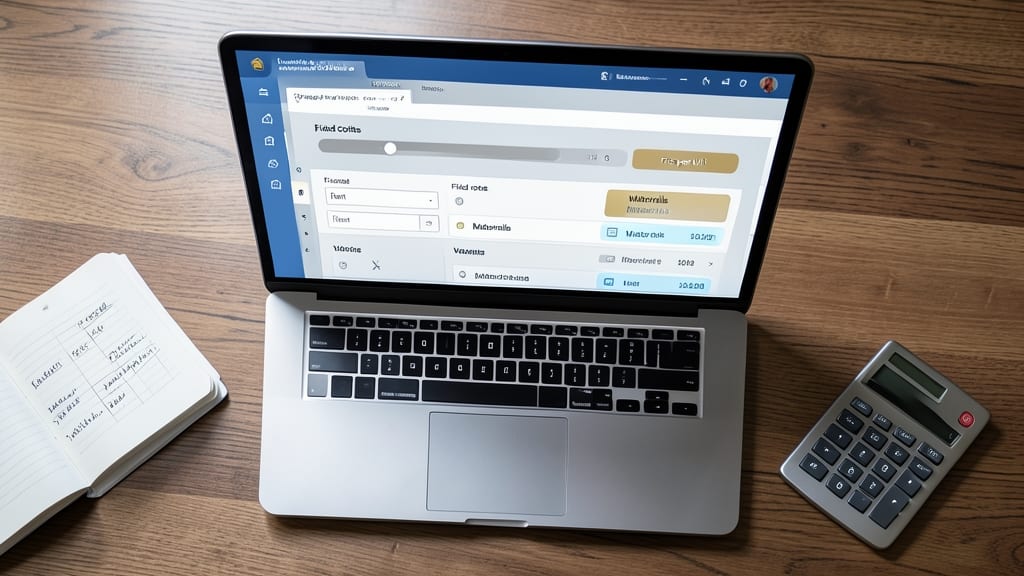
Launching a new product or service? A break-even analysis calculator helps you pinpoint the exact sales volume needed to cover costs—before you spend a dime. This template simplifies complex financial forecasting by letting you adjust fixed costs (like rent), variable costs (like materials), and unit pricing in real time.
The best versions include dynamic charts to visualize your break-even point, sensitivity analysis to test pricing scenarios, and automated profit margin calculations once you hit the target. For example, if your fixed costs are $5,000/month and each unit costs $10 to produce, the template instantly shows you need to sell 1,000 units at $20 each to break even.
Perfect for e-commerce sellers, product-based startups, or service providers pricing new offerings. Just plug in your numbers, and let Excel do the heavy lifting—no finance degree required. ✨
Meeting Agenda and Minutes Template
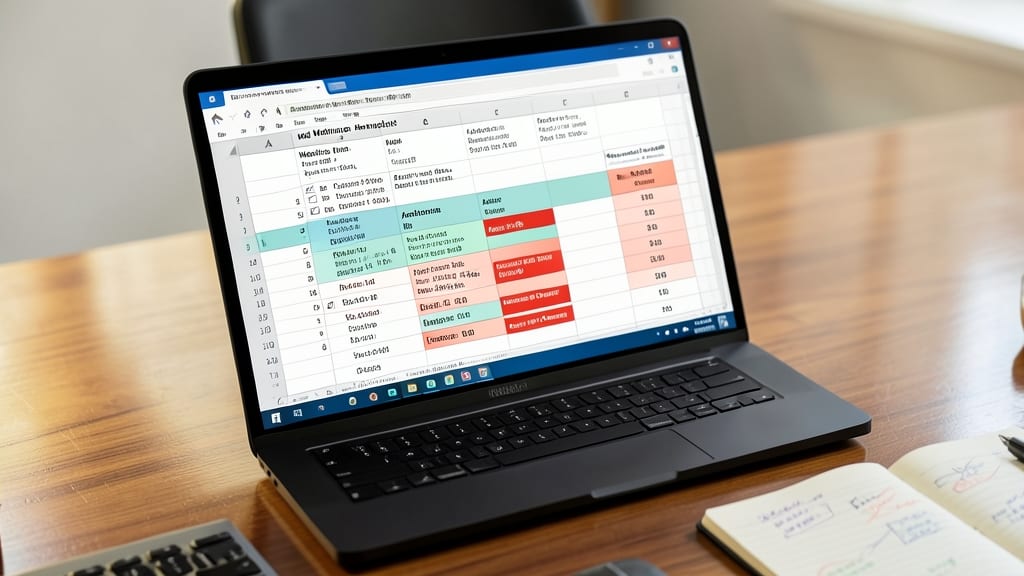
Tired of scrambling to remember who was assigned what after meetings? A Meeting Agenda and Minutes Template keeps your team aligned with structured notes, clear deadlines, and assigned owners—all in one place.
This template includes pre-built sections for attendee tracking, action items with deadlines, and follow-up notes, plus color-coded priority flags. The built-in timestamp fields ensure accountability, while dropdown menus for recurring topics save setup time. Best of all, it’s designed for Excel 2016 and later, so you can share it instantly with your team.
Perfect for managers hosting weekly stand-ups, project kickoffs, or client reviews—this template turns chaotic notes into actionable next steps. 💻