
Software
Need a polished newsletter without design skills? These 10 free Microsoft Word templates offer professional layouts that require zero graphic design experience—just download, customize, and send.
Modern Minimalist Business Newsletter Template
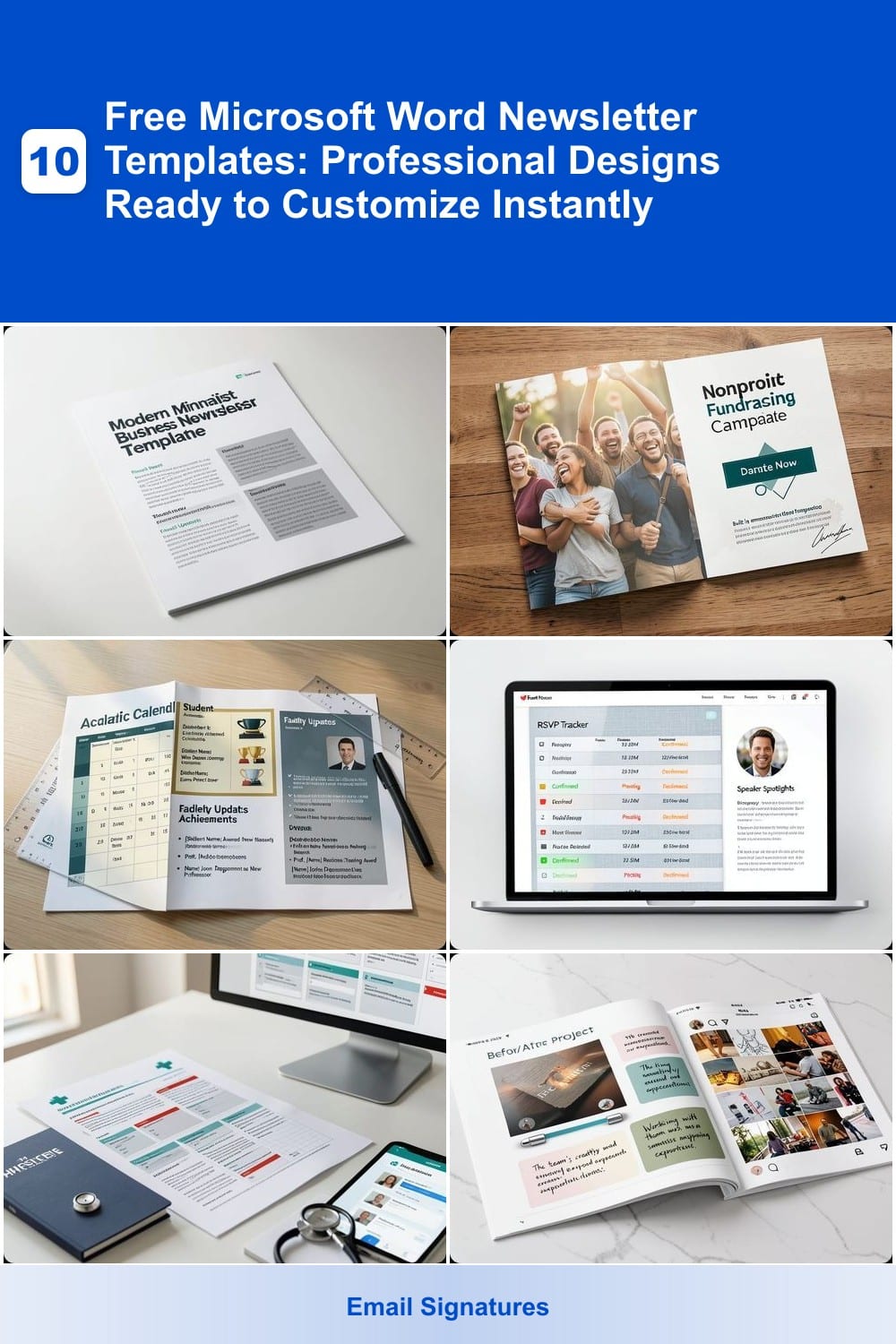
Struggling to balance professionalism with readability in your corporate communications? The Modern Minimalist Business Newsletter Template delivers a sleek, distraction-free design that prioritizes clarity—ideal for financial reports, tech updates, or investor relations.
This template features clean typography with ample white space, ensuring your key messages stand out without overwhelming readers. Built with modular sections (e.g., executive summaries, data highlights, and call-to-action blocks), it adapts seamlessly to Microsoft Word’s built-in styles, so formatting stays intact even after edits. The neutral color palette (blues, grays, and whites) aligns with industry standards, while geometric accents add subtle visual interest.
Perfect for tech startups, financial firms, or consulting agencies where precision matters. Download it directly from Microsoft’s template gallery for zero-config customization—just pop in your content and hit send. ✨
Nonprofit Fundraising Campaign Template
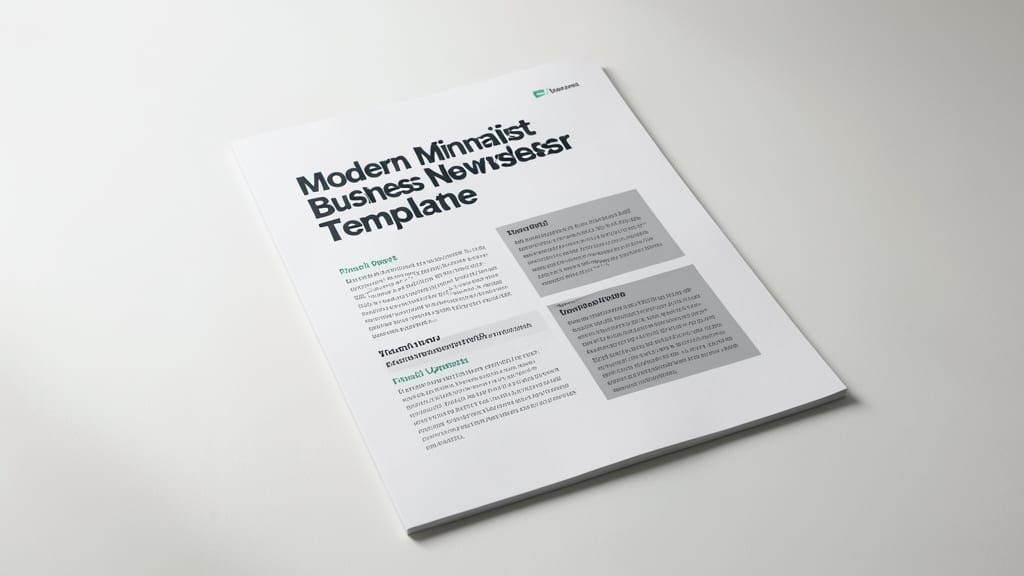
Need a fundraising newsletter that doesn’t just ask for donations—it inspires them? The Nonprofit Fundraising Campaign Template transforms good intentions into action with built-in emotional triggers and conversion-focused design elements. Unlike generic layouts, this template includes dedicated impact metrics sections to showcase your work visually, plus pre-formatted donation callouts that guide readers toward contributing without feeling pressured.
The template features heartfelt imagery placeholders (swap with your own photos) and testimonial sections to build trust instantly. You’ll also find color-coded donation tiers (e.g., "Sponsor a Meal," "Fund a Program") with clickable links to your payment processor, plus progress bars to display fundraising milestones in real time. The green/blue color scheme reinforces trust, while the layout ensures mobile readability—critical for donors checking emails on the go.
Perfect for small nonprofits, grassroots campaigns, or volunteer-led organizations with limited design resources. Just plug in your mission, update the metrics, and watch engagement (and donations) rise. 💡
Educational Institution Newsletter Layout
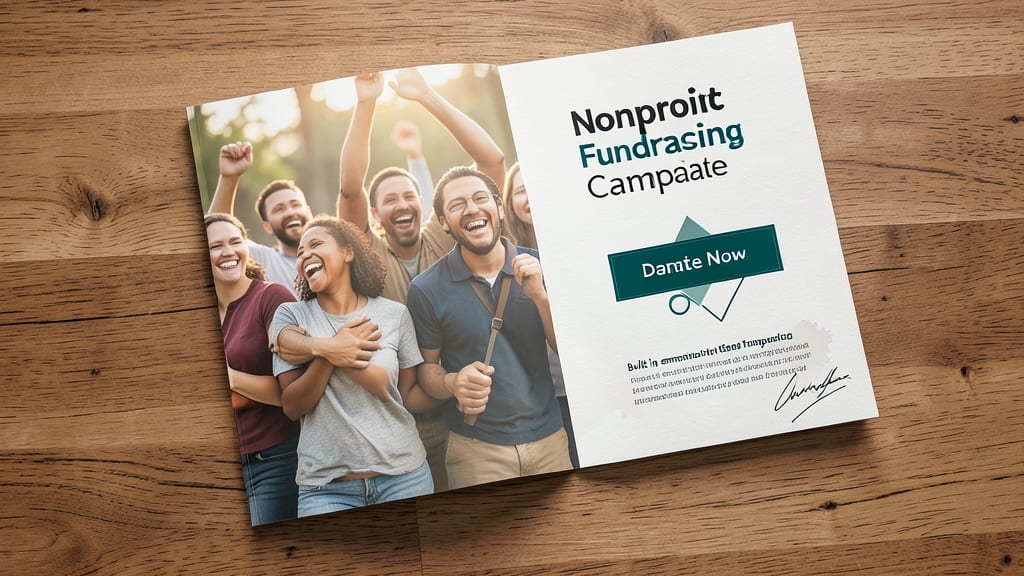
Schools and universities can streamline communication with this pre-formatted educational newsletter template, designed specifically for academic institutions. It includes dedicated sections for academic calendars, student achievements, and faculty updates—all ready to populate with your institution’s branding and key dates.
The template features color-blocked sections for easy visual hierarchy, graduation cap and diploma icons for instant recognition, and pre-sized text boxes for announcements. No design skills required—just drop in your content, adjust the school colors, and hit send to parents, students, and staff.
Ideal for PTAs, university communications teams, and K-12 administrators, this template saves hours of formatting while keeping everyone informed. ✨
Event Promotion Newsletter Design
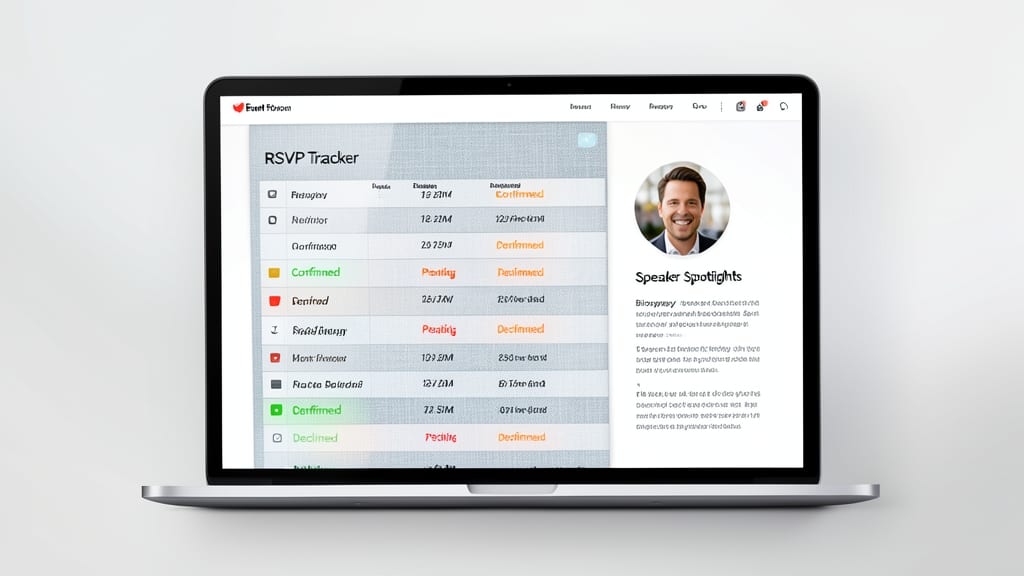
Turn event sign-ups into a breeze with this event promotion newsletter template, packed with interactive elements that make planning effortless. The RSVP tracking table automatically organizes responses, while speaker spotlight boxes highlight key presenters with embedded headshots and bios—no design skills required.
Countdown timers create urgency for ticket sales, and the pre-formatted ticket purchase section includes clickable links to your registration page. Customize colors to match your brand, and the drag-and-drop schedule builder lets you rearrange sessions without breaking the layout. Perfect for organizers who need to balance hype with practicality.
Whether you're launching a product, hosting a webinar, or planning a conference, this template turns attendees into participants with minimal effort. 💪
Healthcare Provider Communication Template
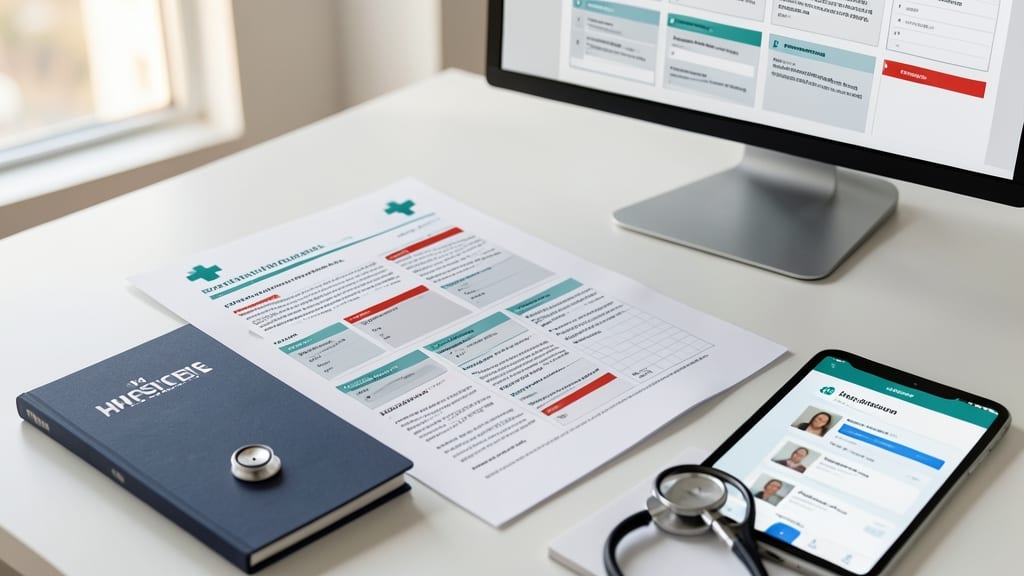
Struggling to balance patient communication with HIPAA compliance? This healthcare-specific template simplifies the process with pre-built sections that handle sensitive data securely while keeping patients informed.
You’ll find appointment reminder placeholders with auto-fill fields, medical disclaimer blocks that protect your practice legally, and telehealth promotion sections to highlight virtual visit options. The template even includes secure patient update sections designed to maintain confidentiality while delivering clear, professional updates. Customize with your clinic’s branding in minutes.
Perfect for small clinics, telehealth providers, or multi-specialty practices needing to streamline patient communication without legal risks. ✨
Creative Agency Portfolio Showcase
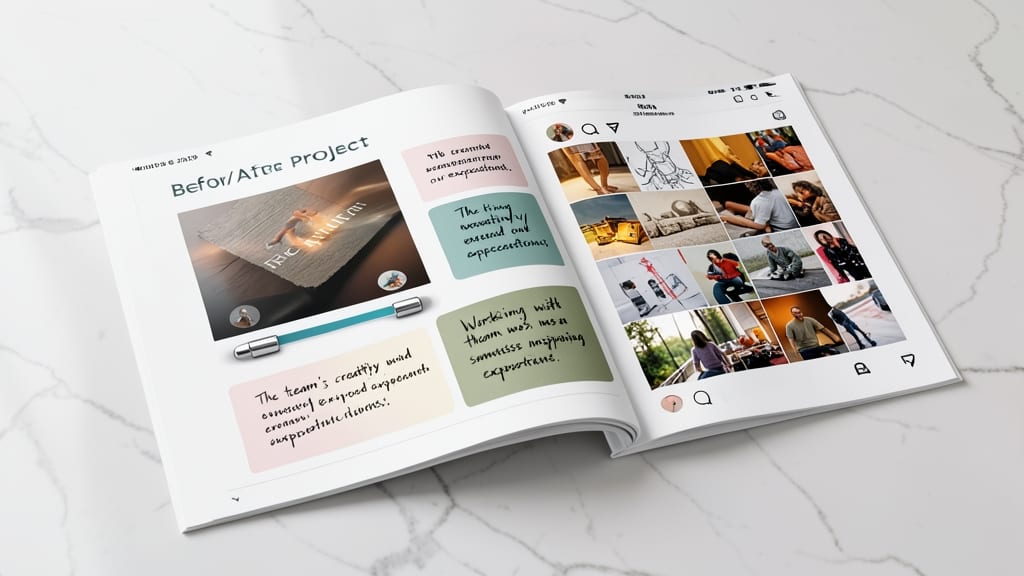
If your agency thrives on visual storytelling, this template turns your creative projects into a showcase-worthy newsletter—without hiring a designer. Built specifically for marketing teams, it features before/after project sliders, client testimonial callouts, and social media feed embeds to amplify your work across platforms.
The portfolio grid layout lets you display up to six projects with mockups, while the bold typography ensures high-impact headlines. Pre-formatted sections for case studies and team spotlights make it easy to highlight wins. Plus, the dark-themed design with neon accents gives your work a modern, high-end feel that clients will notice.
Perfect for agencies that need to wow clients with visual proof of their creativity—ideal for pitching new business or sharing quarterly updates. ✨
Seasonal Holiday Newsletter Template
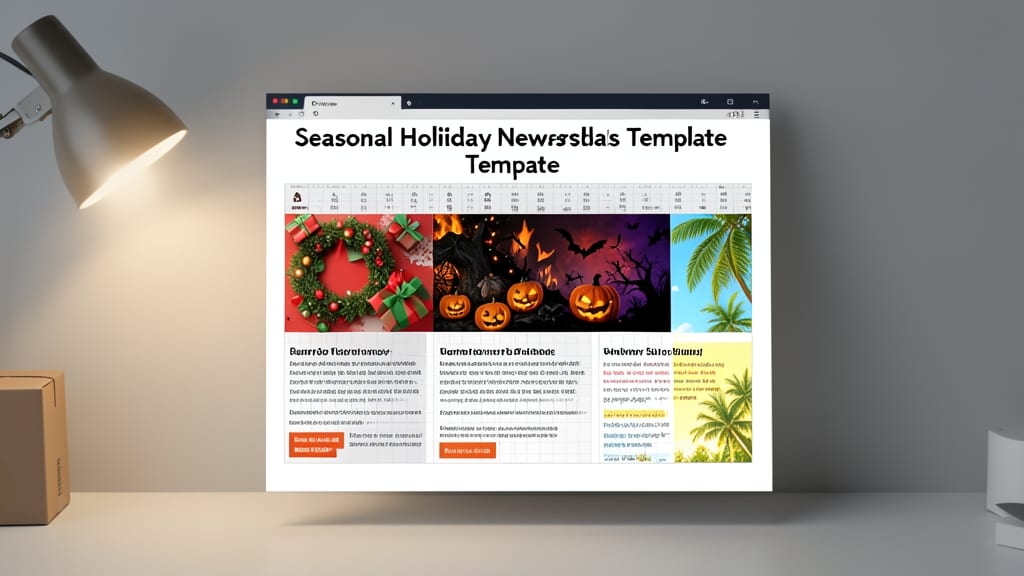
Tired of scrambling to update your newsletter for every holiday season? This Seasonal Holiday Newsletter Template does the heavy lifting with pre-loaded graphics that automatically adapt for Christmas, Halloween, or summer sales—no design skills required.
It includes festive color schemes (red/green for Christmas, orange/black for Halloween) and dedicated discount code sections to highlight promotions. The template even features seasonal icon placeholders (gift boxes, pumpkins, or beach umbrellas) that swap effortlessly with a single click. Plus, the layout is optimized for mobile readers, ensuring your message looks sharp on any device.
Perfect for small businesses, e-commerce stores, or event planners who need to send timely, themed newsletters without the hassle. Just pop in your content and hit send! ✨
Internal Company Update Template
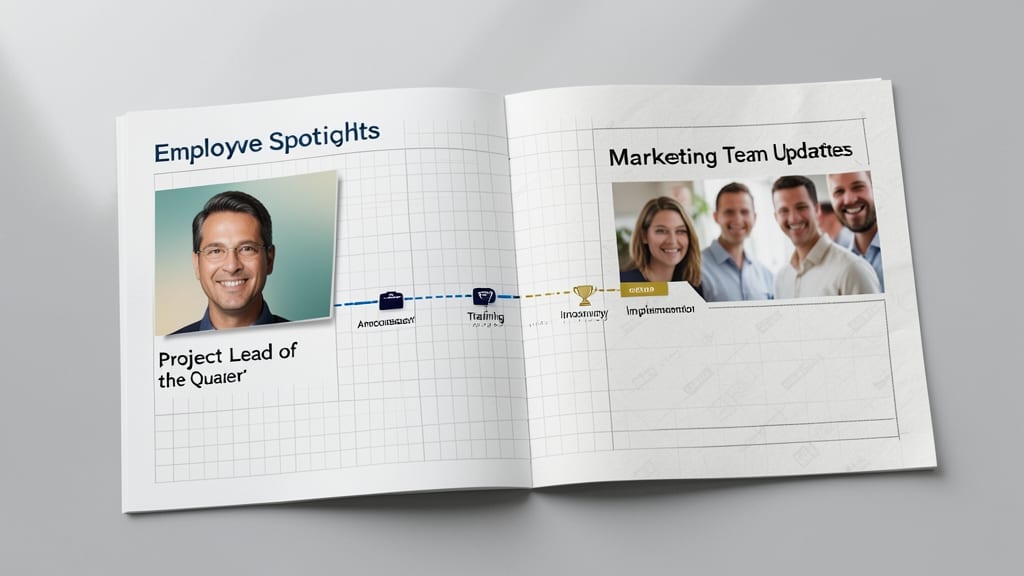
Struggling to keep your team aligned with policy updates, recognition milestones, and department news? The Internal Company Update Template streamlines internal communication with dedicated sections for employee spotlights, timeline-based policy rollouts, and customizable department headers—all pre-formatted for HR efficiency.
This template includes interactive checkboxes for tracking acknowledgment of new policies, achievement badges with customizable criteria, and color-coded department blocks to visually separate announcements. The modular design lets you drag-and-drop content while maintaining brand consistency, and built-in compliance reminders ensure critical updates stand out.
Ideal for HR teams managing remote or hybrid workforces, this template reduces email clutter while keeping everyone informed—whether you're announcing a new benefits package or celebrating a quarterly win. ✨
Tech Product Launch Newsletter
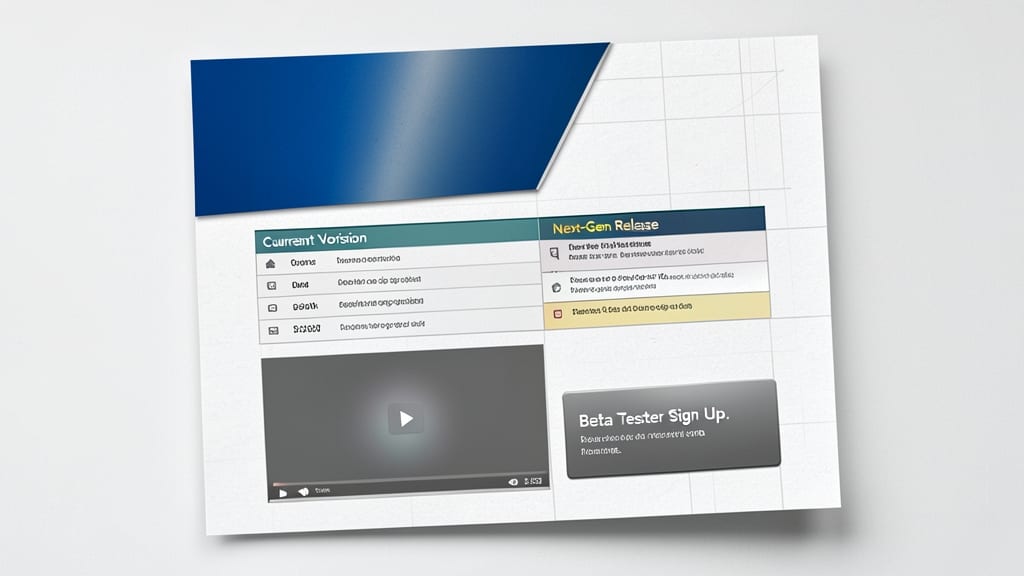
Announcing your next big software release? This tech product launch newsletter template cuts through the noise with built-in tools to showcase your innovation. It includes spec comparison tables for side-by-side feature breakdowns, demo video embedding guides with placeholder links, and beta tester sign-up forms to streamline early adoption.
The template features dark-themed sections for a modern tech aesthetic, with pre-formatted blocks for release dates, pricing tiers, and customer testimonials. You’ll also find interactive element placeholders (like clickable mockups) that make your product feel tangible—even before launch. The beta tester sign-up form integrates directly with Microsoft Word, so you can collect emails without leaving your document.
Perfect for startups, SaaS companies, or developers launching new tools—this template turns technical specs into compelling stories. 💻
Personal Blogger Newsletter Style
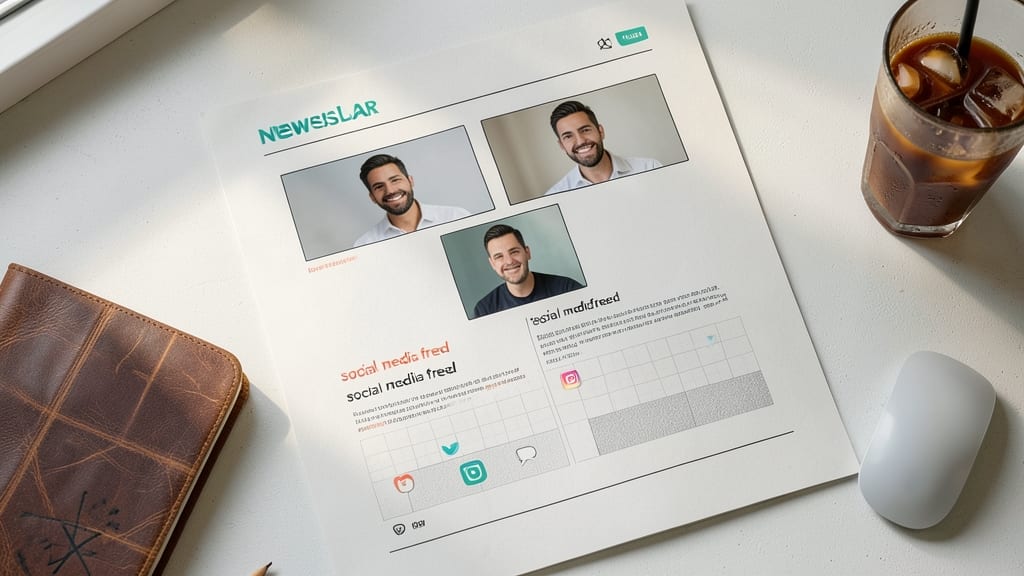
For individual creators looking to grow their audience, this personal blogger newsletter template transforms your Word doc into a fan engagement hub. It’s packed with pre-sized photo placeholders for your headshot or latest project visuals, plus dedicated sections for embedding social media feeds—think Instagram posts or Twitter highlights—so your subscribers stay connected to your latest content.
The design includes exclusive content blocks labeled "For Subscribers Only" to reward your email list with bonus tips or behind-the-scenes content. With pastel color schemes and handwritten font accents, it feels warm and personal while keeping the layout lightweight and easy to edit. No design skills needed—just plug in your photos, update your social handles, and hit send.
Perfect for freelancers, artists, and thought leaders who want to build community without the overhead of complex tools. Your audience will feel like insiders. ✨