
Software
Data breaches cost companies billions annually—yet many overlook internal safeguards as their first line of defense. These 10 proven strategies empower cybersecurity leaders to fortify company data from within, reducing vulnerabilities before threats materialize.
Role-Based Access Control Implementation Guide
Tired of hearing about breaches caused by employees accessing data they shouldn’t? Role-Based Access Control (RBAC) solves this by tying permissions to job functions—no more overprivileged accounts lurking in your system. It’s the digital equivalent of giving a receptionist access to the front desk only, not the executive suite.
With RBAC, you define roles (e.g., "HR Manager," "Finance Analyst") and assign granular permissions—like read-only access to payroll for accounting teams or full edit rights to marketing assets. Tools like Microsoft Active Directory or Okta automate this, reducing manual errors. Studies show RBAC cuts insider threats by up to 70% by eliminating "need-to-know" guesswork.
This is your best bet if your company has departments handling sensitive data (think healthcare records or client contracts). Start with a pilot department—like finance—to test before rolling it company-wide. ✨
Automated Data Encryption for Sensitive Files
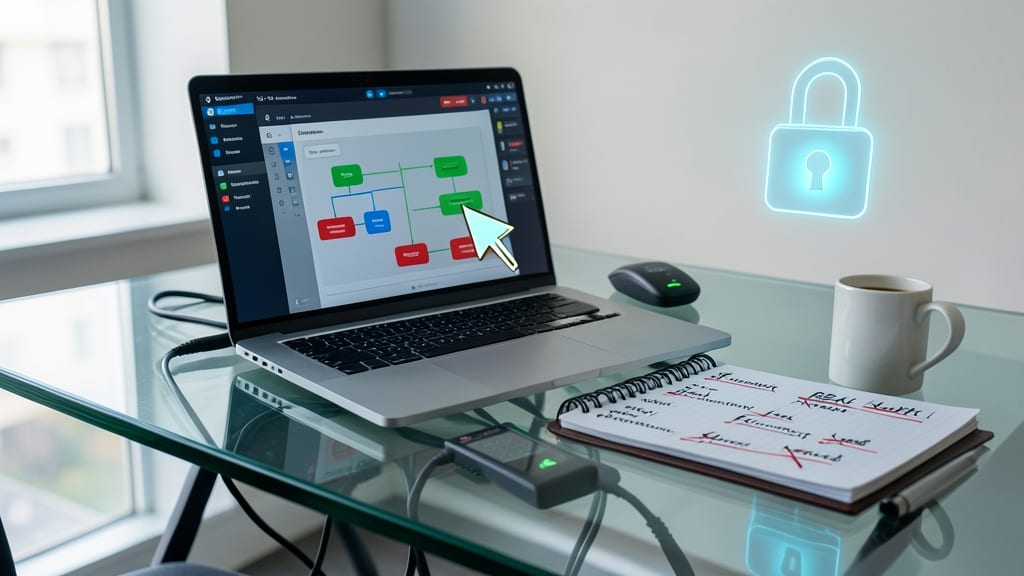
Forget relying on employees to manually encrypt sensitive files—automated data encryption eliminates human error entirely. Solutions like Symantec Encryption Desktop or VeraCrypt apply AES-256 encryption by default, ensuring compliance with HIPAA, GDPR, and PCI DSS without extra steps.
These tools encrypt files at rest (on your hard drive) and in transit (emails, cloud uploads), even if devices are lost or stolen. They integrate seamlessly with existing workflows, so your team never notices the difference—just peace of mind. The zero-configuration setup means IT admins can deploy it company-wide in hours.
This is non-negotiable for healthcare providers, financial institutions, and legal firms where data breaches mean fines, lawsuits, or lost licenses. ⚡
Behavioral Analytics for Employee Activity Monitoring

Ever wondered how to catch suspicious behavior before it becomes a breach? Behavioral analytics scans employee activity for red flags like late-night logins or sudden bulk data exports—critical for teams working remotely or in high-turnover industries.
Solutions like Splunk User Behavior Analytics or Microsoft Defender for Endpoint track patterns such as unusual device usage or data exfiltration attempts in real time. These tools integrate with existing security stacks and flag anomalies with 90%+ accuracy, often before human review. The best platforms also provide customizable alert thresholds to reduce false positives in fast-paced environments.
This is a game-changer for IT admins managing distributed teams or HR departments monitoring contractor access. It’s not just about catching bad actors—it’s about protecting intellectual property without micromanaging employees. 🌟
Multi-Factor Authentication Enforcement Policy

Passwords alone aren’t enough—80% of data breaches start with compromised credentials. A Multi-Factor Authentication (MFA) Enforcement Policy adds an extra layer by requiring hardware tokens (YubiKey, RSA SecurID) or biometric verification for all critical systems, making stolen passwords useless without physical access.
This policy integrates with Active Directory, Okta, or Duo Security to enforce time-based one-time passwords (TOTP) or FIDO2-compliant keys, reducing account takeover risks by 99%. For high-stakes environments, biometric authentication (fingerprint or facial recognition) ensures only authorized users can access sensitive data—ideal for financial institutions handling PCI DSS compliance or government contractors managing classified information.
Financial firms and defense contractors benefit most, but any organization handling regulated data (healthcare, legal) should adopt this. Start with admin accounts and VPN access before rolling it out company-wide. 🔧
Secure Document Collaboration Workflows
Tired of chasing down the "final" version of a client proposal or legal brief? Secure document collaboration workflows in SharePoint or Google Workspace add version control and watermarking to shared files—so every edit is tracked, and sensitive content stays traceable.
With automated versioning, you’ll never lose a revision again. Tools like Microsoft Purview or Google Vault let you enforce watermarking (e.g., "Confidential - [Team Name]") on exported files, while access logs show who viewed or modified documents. For legal firms, this means non-repudiation—critical for compliance—while creative agencies can finally stop emailing unbranded drafts.
This safeguard shines for teams drowning in shared drives. Lawyers, designers, and marketers will appreciate the audit trails that turn chaos into accountability. ✨
Endpoint Detection and Response Deployment

When malware slips past firewalls, Endpoint Detection and Response (EDR) acts like a cybersecurity SWAT team—identifying and neutralizing threats on devices before they escalate. Unlike traditional antivirus, EDR uses AI-driven behavioral analysis to detect zero-day exploits targeting IoT sensors in factories or POS systems in retail stores.
Solutions like CrowdStrike Falcon or Microsoft Defender for Endpoint provide real-time visibility into device activity, automated threat containment, and forensic investigation tools. For example, they can isolate an infected Windows 10 IoT Core device on an assembly line within seconds, preventing production downtime. The <1-minute response time for critical alerts ensures minimal disruption to operations.
This is non-negotiable for industries where device compromise means downtime or revenue loss—think manufacturing plants with connected machinery or retail chains processing transactions. 💻
Third-Party Risk Assessment Framework

Your company’s data isn’t just at risk from hackers—third-party vendors could be the weak link. A Third-Party Risk Assessment Framework systematically evaluates security practices before sharing sensitive data, blocking supply chain attacks before they start.
Look for frameworks that include automated security questionnaires (like those from RiskRecon or BitSight) and continuous monitoring of vendors’ compliance with NIST SP 800-161 or ISO 27001 standards. These tools flag vulnerabilities in real time, such as outdated software or unencrypted data transfers, so you can renegotiate contracts before risks escalate.
This safeguard is a must for SaaS providers (where vendor sprawl is inevitable) and enterprises with global contractor networks, like consulting firms or manufacturers relying on overseas suppliers. 💪
Mobile Device Management for Remote Workforces

When employees use personal devices for work, company data becomes vulnerable unless you enforce strict mobile policies. Mobile Device Management (MDM) solutions like Jamf Now or Microsoft Intune let you remotely enforce full device wipes and app restrictions—critical for BYOD policies where employees mix work and personal use.
These platforms offer zero-touch enrollment for new devices, real-time location tracking (to recover lost devices), and granular app permissions—blocking unauthorized apps while allowing secure access to company resources. For example, you can lock down corporate emails to only work-approved clients like Microsoft Outlook while restricting social media apps to non-work hours. Compliance reporting ensures you meet industry standards like HIPAA or GDPR without manual audits.
Tech startups and marketing teams with distributed workforces benefit most, as MDM reduces the risk of data leaks from lost or compromised devices. With 90% of breaches starting with a compromised endpoint, this safeguard is a must-have for remote-first companies. 💻
Insider Threat Detection Training Programs

Your employees might be your greatest security risk—and your best defense. Insider threat detection training programs like KnowBe4’s Security Awareness Training or Proofpoint’s Simulated Phishing teach staff to recognize social engineering tactics through real-world scenarios, cutting accidental data leaks by up to 70%.
These programs use interactive simulations (e.g., fake phishing emails, USB drop tests) to train employees on spotting red flags without disrupting workflows. Customizable modules cover tailored threats like CEO fraud or credential harvesting, with progress tracking via automated reporting dashboards. Many integrate with existing LMS platforms like Microsoft Teams or Cornerstone for seamless rollout.
Perfect for HR teams, compliance officers, and SMBs where budget constraints limit advanced tech—this human-centric approach delivers immediate ROI by turning employees into proactive security allies. 💡
Automated Patch Management System
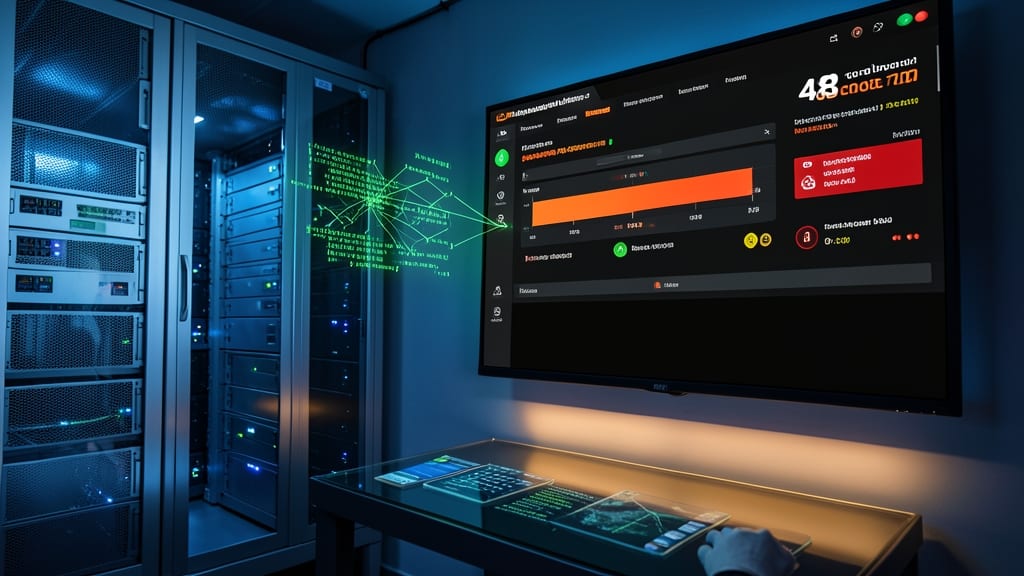
Ransomware attacks often exploit one glaring weakness: unpatched software. An automated patch management system like ManageEngine Patch Manager Plus closes this gap by deploying critical updates within 48 hours of release, neutralizing vulnerabilities before attackers can weaponize them.
This system scans your entire network—servers, endpoints, and even third-party apps—and prioritizes patches based on severity. With zero-downtime deployment for most updates and rollback capabilities, you avoid disruptions while staying ahead of threats. Integration with SIEM tools ensures compliance reporting for audits.
Ideal for IT teams managing 50+ devices, this solution is a game-changer for sectors like healthcare (HIPAA compliance) and finance (PCI DSS). It’s the final piece in your defense against the #1 entry point for cyberattacks. 💪