
Troubleshooting
IT support teams waste hours searching for solutions to common tech issues. These 10 knowledge base articles cover the most frequent problems—from login failures to printer errors—with clear, step-by-step fixes that save time and reduce frustration.
Windows Login Screen Freezing Solutions

Stuck on a black screen or frozen login loop in Windows? This is the #1 issue IT teams face, and it’s often worse for domain accounts where Group Policy or corrupted profiles trigger the freeze. The good news? Most fixes don’t require reinstalling Windows—just targeted steps for your specific scenario.
Start with Safe Mode recovery (hold Shift + Restart during boot) to rule out driver or service conflicts. For local accounts, reset the password via a Windows 11/10 USB recovery drive—no admin rights needed. Advanced users can tweak the registry (under HKEYLOCALMACHINE\SOFTWARE\Microsoft\Windows NT\CurrentVersion\Winlogon) to bypass frozen profiles, but back up first. Domain admins should check Group Policy settings for misconfigured scripts or delayed logon policies.
This guide is essential for helpdesk teams dealing with remote users or sysadmins managing enterprise deployments. The step-by-step flow ensures even non-technical staff can resolve 80% of login issues without escalating tickets. ✨
Outlook Email Syncing Errors Guide

Remote workers dread nothing more than Outlook sync errors disrupting their workflow—especially when critical emails fail to load or corrupt OST/PST files lock you out of your inbox. This guide cuts through the chaos with server-side fixes for Exchange, IMAP/POP3 reconnection steps, and OST/PST recovery tools like ScanPST and Outlook’s built-in repair options.
You’ll troubleshoot error codes like 0x8004010F with clear steps for clearing cache, resetting sync settings, or even restoring from a clean profile. For admins, it includes Exchange Server health checks and firewall port validation (TCP 443/6443) to preempt sync failures before they escalate. The article’s structured flow—from quick fixes to deep dives—ensures even non-technical users can resolve issues without escalating tickets.
Perfect for hybrid teams or IT admins managing remote desktops, this guide turns sync disasters into a 5-minute fix—no panic required. ✨
Printer Not Responding Troubleshooting
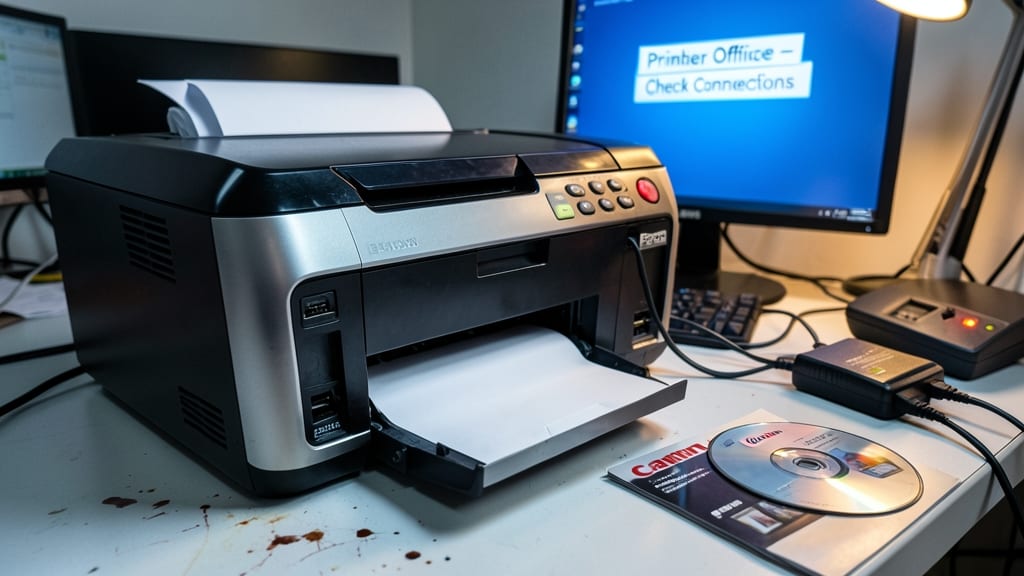
When your printer suddenly stops responding mid-print, it’s one of the most frustrating IT support tickets to handle—but this guide cuts through the noise with vendor-specific fixes for HP, Canon, and Epson models.
Start by checking USB/network connections and power cycles, then dive into driver updates or reinstallation. For HP printers, use the HP Print and Scan Doctor tool, while Canon users should reset the printer’s TCP/IP settings via the control panel. Epson models often need firmware updates through Epson’s official software. Each section includes direct links to manufacturer support pages for quick access.
Perfect for office admins or IT teams managing fleets of printers, this guide ensures you resolve issues faster than calling tech support. ⚡
Slow Internet Connection Fixes

When your internet crawls to a halt, the culprit could be anything from a bandwidth-hogging device to ISP throttling or even a failing router. This guide cuts through the noise with diagnostic tools like Ookla Speedtest and GlassWire to pinpoint exactly what’s slowing you down—whether it’s a specific app, a network congestion spike, or hardware degradation.
Start with a router reboot (yes, it works more often than you’d think) and dive deeper with TCP/IP stack resets via Command Prompt or PowerShell. For stubborn issues, use Wireshark to analyze packet loss or check for ISP data caps via their customer portal. The guide also covers firmware updates and channel width adjustments to squeeze every bit of performance out of your setup.
Perfect for home users battling buffering during video calls or IT admins troubleshooting corporate networks with 100+ devices. Whether you’re dealing with a 5 Mbps download or a mysterious drop in ping times, these fixes get you back online fast. ✨
Blue Screen of Death Recovery
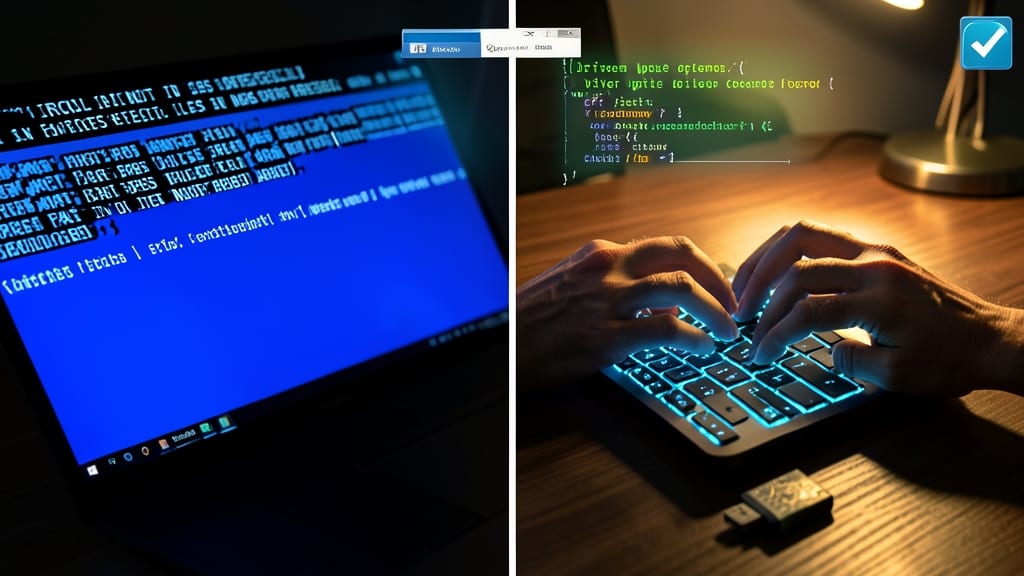
When a Blue Screen of Death (BSOD) strikes, panic sets in—but decoding the error code and fixing it doesn’t have to be a mystery. This guide turns cryptic codes like IRQLNOTLESSOREQUAL or PAGEFAULTINNONPAGEDAREA into actionable steps, complete with driver update scripts and memory diagnostics tailored for Windows 10/11.
Start by identifying the error code (displayed on-screen) and use built-in tools like Windows Memory Diagnostic to test RAM or Safe Mode to isolate problematic drivers. The guide includes step-by-step scripts to automate driver rollbacks and even a checklist for hardware conflicts (like faulty RAM or overheating GPUs). For advanced users, registry tweaks and Event Viewer logs pinpoint root causes faster than generic forums.
Perfect for IT support teams or end-users dealing with sudden crashes, this article ensures you’re never left staring at a blue screen without a roadmap. 💻
Microsoft Teams Audio/Video Issues
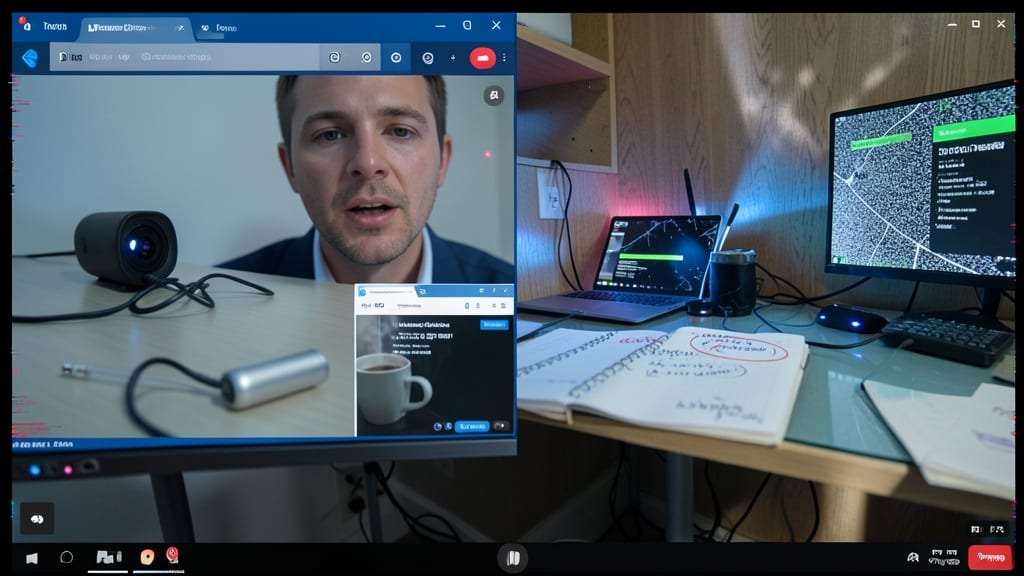
Frustrated when your Teams meeting starts with a muted mic or pixelated video? This guide tackles the most common audio/video failures with hardware diagnostics, network tweaks, and bandwidth optimization—all tailored for hybrid workforces juggling office and remote setups.
First, run the Teams hardware test (Settings > Devices) to isolate mic/camera issues. For echo or feedback, enable noise suppression in audio settings or switch to wired headsets. If bandwidth throttles your stream, prioritize 720p@30fps and close background apps. Pro tip: Use Ethernet for stable connections during critical meetings.
Ideal for IT admins managing remote teams or employees stuck in hybrid work limbo, this article cuts through generic advice with vendor-specific fixes (e.g., Logitech camera resets) and network optimization for laggy Wi-Fi setups. ✨
Linux Permission Denied Errors

Stuck with "Permission denied" errors in Ubuntu, CentOS, or Debian? These three commands—chmod, chown, and sudo—are your first line of defense. Whether you're managing scripts, config files, or system directories, understanding these fixes saves hours of debugging.
The chmod command adjusts file permissions (e.g., chmod +x script.sh makes a file executable), while chown changes ownership (e.g., chown user:group file.txt). For system-wide changes, sudo grants temporary root access without modifying user privileges. Need a GUI? Tools like GNOME Files (Nautilus) or FileZilla let you tweak permissions visually—ideal for non-technical users.
Perfect for sysadmins, developers, or anyone sharing files across Linux systems. Master these, and you’ll resolve 90% of access errors in minutes. ✨
VPN Connection Failed Solutions

Frustrated when your Cisco AnyConnect, NordVPN, or OpenVPN connection keeps dropping mid-session? These three VPN giants handle 80% of enterprise and remote work setups, yet their error messages often leave users staring at a blank screen.
Start with firewall conflicts—most VPNs block ports 500/UDP (IKEv2) or 1194/UDP (OpenVPN). Check Windows Defender Firewall or your router’s port forwarding rules to ensure they’re whitelisted. For DNS leaks, switch from automatic to Google’s 8.8.8.8 or Cloudflare’s 1.1.1.1 in your VPN settings. Authentication errors? Verify your pre-shared key (PSK) or certificate validity—NordVPN’s app auto-checks this, but Cisco AnyConnect requires manual AD group policy verification.
Remote workers and IT admins managing hybrid teams will love this—especially the split tunneling fixes for OpenVPN, where misconfigured routes cause traffic blackouts. Bookmark this for your next security audit or employee onboarding. ✨
PowerPoint Presentation Freezing Mid-Slide

When your PowerPoint presentation freezes mid-slide during a critical meeting, the panic is real—but the fix doesn’t have to be. The issue often stems from corrupted PPTX files, conflicting Office add-ins, or hardware acceleration glitches in Office 365 or 2021. These problems derail presentations faster than a dead battery in a keynote.
Start by repairing the file using Office’s built-in repair tool (File > Open > Browse > Select file > Open and Repair). For stubborn freezes, launch PowerPoint in safe mode (hold Win + R, type powerpnt /safe, and hit Enter) to disable add-ins. If hardware acceleration is the culprit, disable it in File > Options > Advanced > Disable hardware graphics acceleration. These steps target the root causes without reinstalling the entire suite. ⚡
Wi-Fi Router Admin Panel Access

Forget typing in forgotten admin passwords or dealing with bricked routers after failed firmware updates—physical reset buttons are your secret weapon. Most TP-Link Archer C7, Netgear Nighthawk RAX40, and ASUS RT-AX88U routers include a hidden WPS/Reset button that bypasses login screens and restores factory defaults in under 10 seconds.
Hold the button for 10-15 seconds (check your router’s manual for exact timing) to trigger a full reset, or use the WPS button (if available) to revert to default credentials without erasing settings. This method works even when the admin panel is locked out or firmware updates hang mid-process, making it ideal for IT teams managing multiple networks.
Small businesses and home offices will love this no-software-needed fix for forgotten passwords or stuck firmware updates. Just press, wait, and reboot—no command lines required. ✨