
PowerPoint
High school students can transform Microsoft Office into powerful tools for academic success. These 10 PowerPoint projects leverage Office Suite skills to create standout assignments, build professional portfolios, and sharpen presentation techniques that impress teachers and future employers alike.
Interactive Science Project Timeline
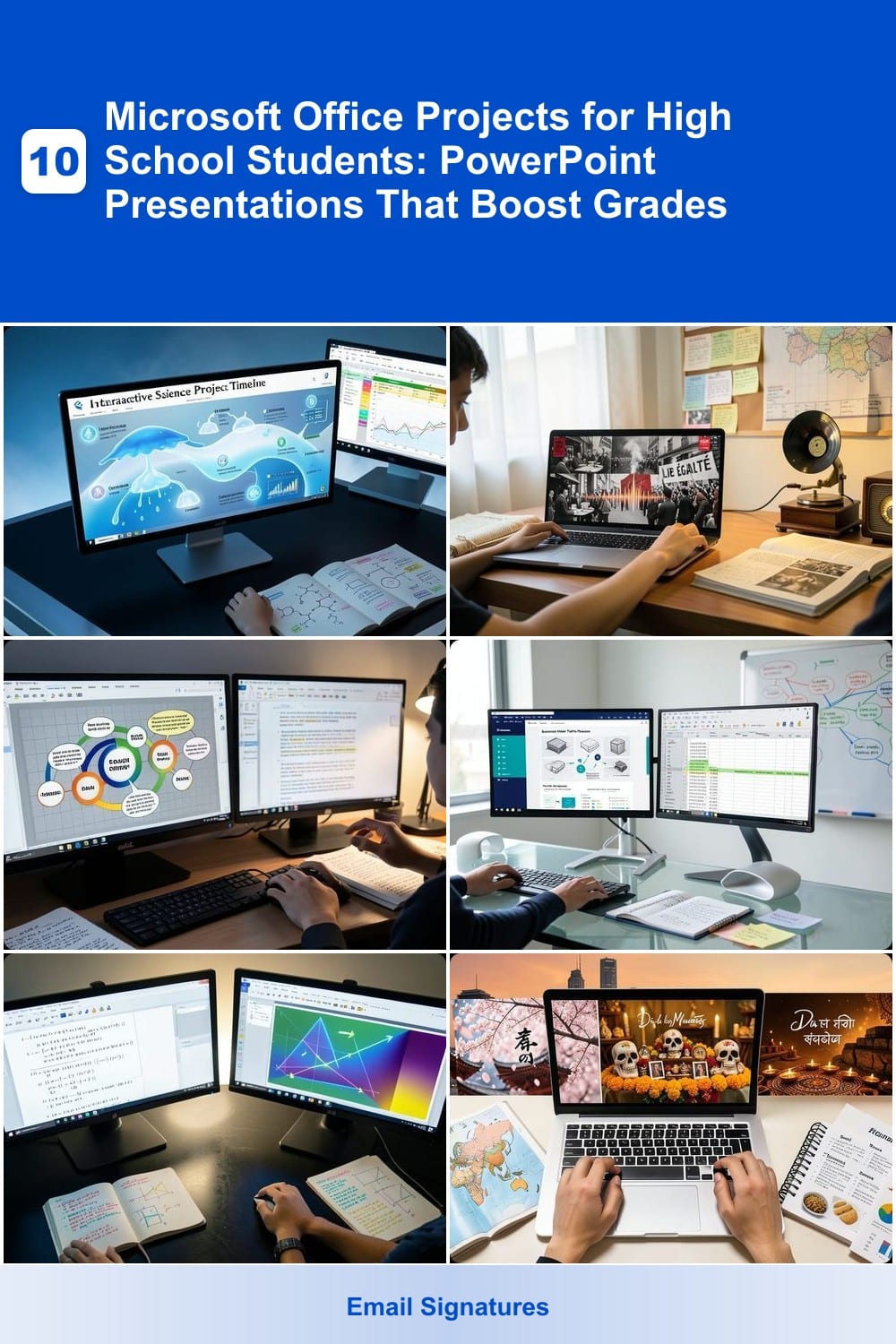
Ditch the static diagrams and turn your science projects into interactive masterpieces that make complex processes unforgettable. This Interactive Science Project Timeline blends PowerPoint’s animation tools with Excel’s data visualization to create dynamic visualizations of the water cycle, photosynthesis, or cellular respiration—processes that often leave students confused.
Start by building a timeline in Excel with key stages (e.g., evaporation, condensation, precipitation) and their durations. Then, import this data into PowerPoint and use Morph transitions to animate each step. Add embedded charts (like bar graphs for energy flow in photosynthesis) and SmartArt graphics to map relationships. For extra engagement, include short video clips (e.g., time-lapse clouds forming) or interactive buttons that let viewers click to see definitions.
Perfect for science fairs, biology class presentations, or environmental studies, this project turns textbook explanations into grade-boosting visual stories. Teachers will love how it combines research, creativity, and tech skills—all while making science click in a way that sticks. ⚡
Historical Event Multimedia Presentation
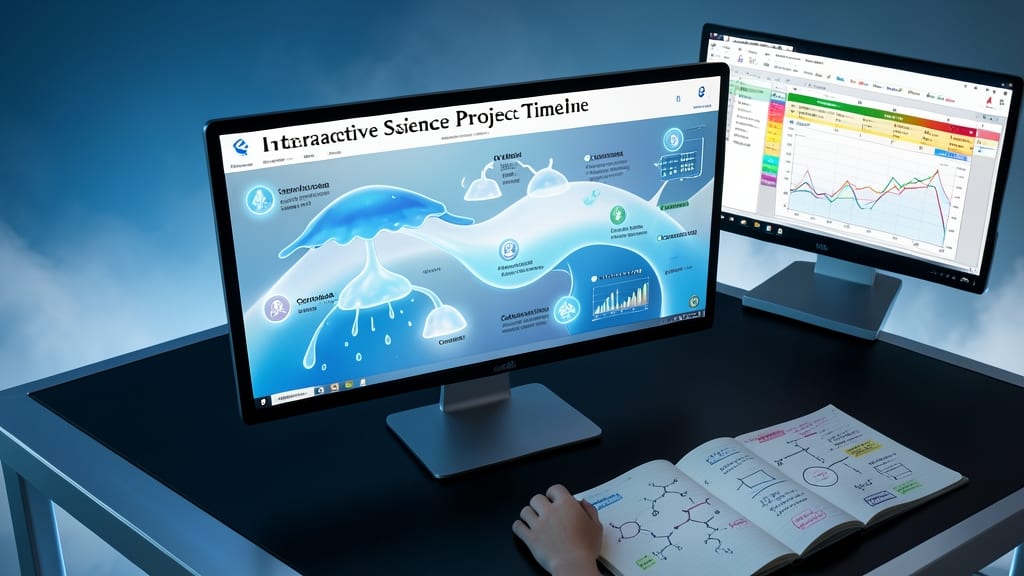
Tired of dry history lectures? Transform your next assignment into a cinematic documentary using PowerPoint’s built-in multimedia tools. This project lets you weave together primary sources, audio interviews, and period music to create a presentation that feels like stepping into the past.
Start by embedding YouTube clips of speeches, newsreels, or historical footage (like the 1929 Stock Market Crash or Moon Landing coverage) alongside your slides. Use PowerPoint’s audio tools to record short voiceovers or import interviews (even just you narrating key events). Add period-appropriate music—like classical pieces for the Renaissance or jazz for the Roaring Twenties—using the Insert > Audio feature. For visuals, overlay sepia-toned photos with timeline animations to show cause-and-effect relationships.
Perfect for history buffs or students researching World War II, the Civil Rights Movement, or ancient civilizations, this project turns research into a multi-sensory experience. Teachers will be impressed by how you’ve gone beyond textbooks to create something truly memorable. 💡
Literary Character Analysis Infographic
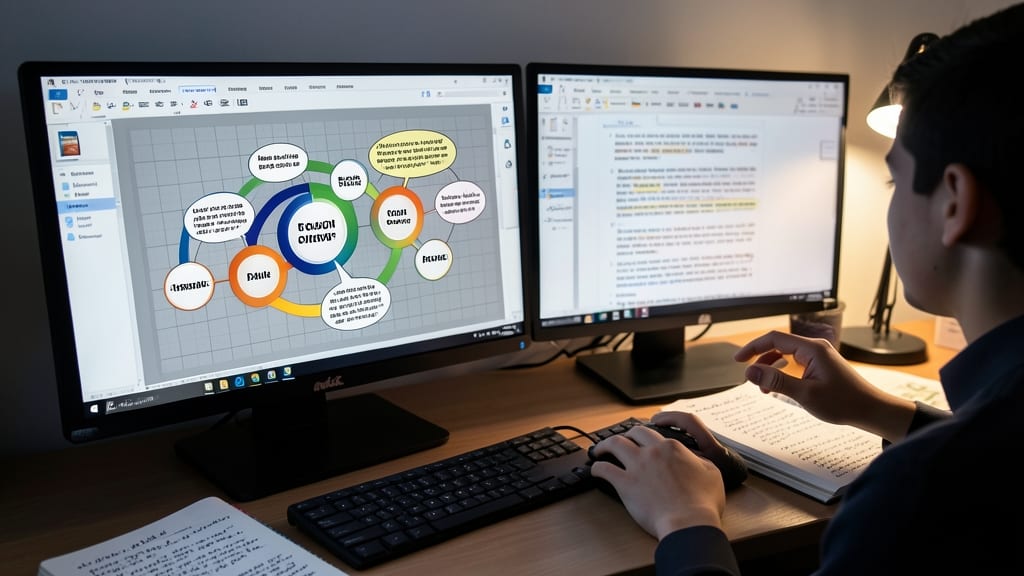
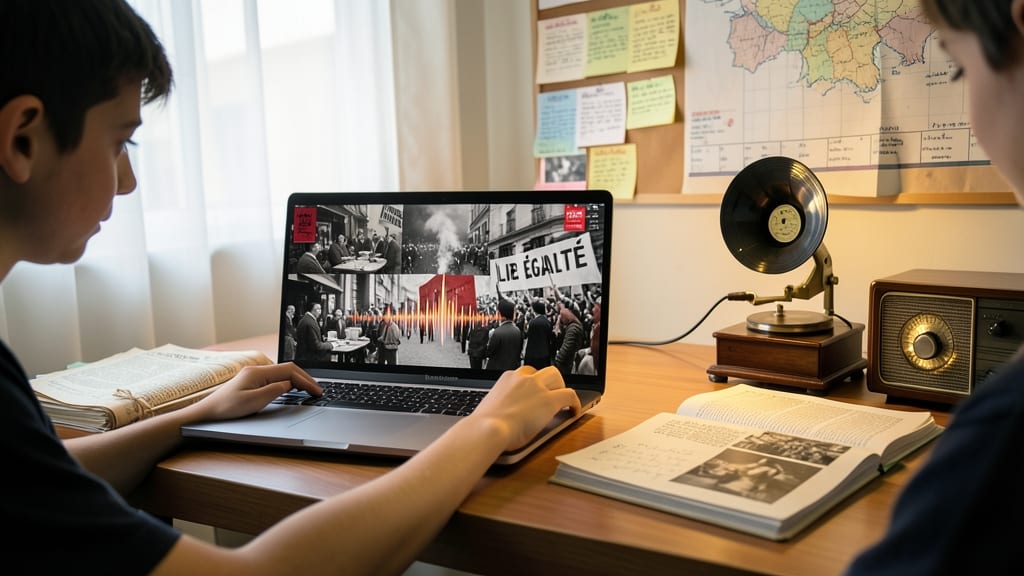
Turn book reports into visual masterpieces by blending PowerPoint’s design tools with Word’s analytical depth. Instead of just summarizing characters, create a color-coded infographic that maps their motivations, conflicts, and growth—all while embedding direct quotes from the text.
Start by using Word’s Find tool to highlight key themes (e.g., "courage" in To Kill a Mockingbird or "greed" in Macbeth), then import those color-coded sections into PowerPoint. Add character portraits (use free stock images or simple icons) and arrange them in a timeline or mind-map layout. The result? A dynamic, research-backed presentation that proves you’ve mastered the material and showcased creativity.
Perfect for English classes or book club discussions, this project also doubles as a portfolio piece for college applications. Teachers love it because it moves beyond summaries into critical analysis—and you’ll stand out for thinking outside the textbook. ✨
Business Plan Proposal for Classroom

Turn classroom lessons into real-world business skills with a Business Plan Proposal project that combines PowerPoint pitch decks and Excel financial models. This isn’t just another assignment—it’s a hands-on way to learn entrepreneurship by designing a full business plan, from product mockups to projected revenue.
Start with a PowerPoint pitch deck featuring your business concept, target market, and marketing strategy using built-in design templates. Then, create a three-year financial forecast in Excel with break-even analysis, profit margins, and cash flow projections. Teachers can provide sample businesses (like a student-run café or tutoring service) or let students brainstorm their own ideas.
Perfect for business class students or those building career portfolios, this project teaches critical thinking, financial literacy, and presentation skills—all while preparing students for real-world job applications. 💪
Mathematical Concept Visualization
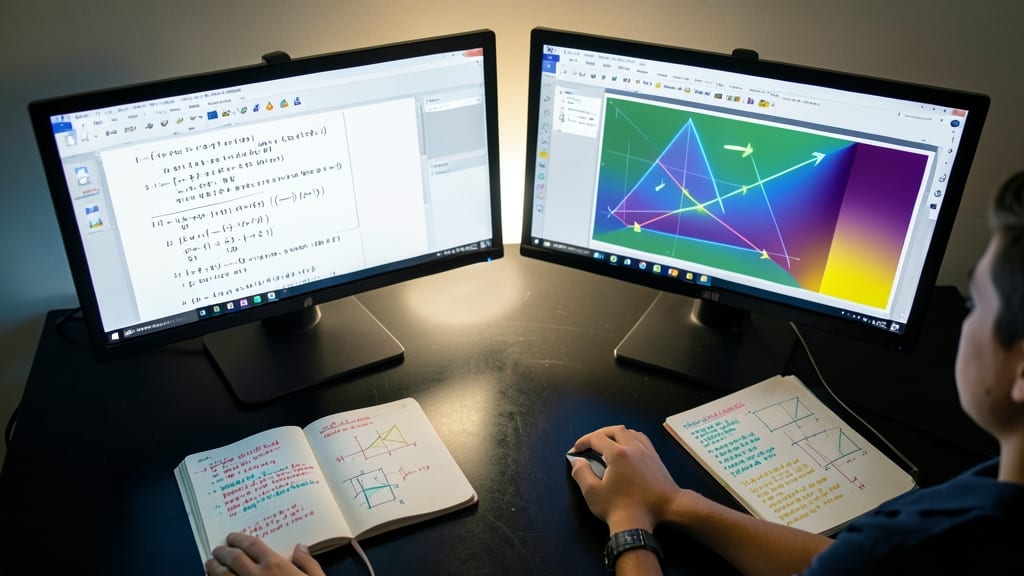
Struggling with abstract math concepts like proofs or graphing functions? PowerPoint shapes and Word equations can turn your brain's "what?" into a visual "aha!" moment. This project transforms algebra and geometry into interactive, color-coded diagrams that stick better than textbook explanations.
Start by using PowerPoint's 3D shapes to build geometric proofs—drag lines to show congruent triangles or rotate shapes to visualize angles. Pair this with Word's Equation Editor to overlay step-by-step algebraic solutions. For example, plot quadratic functions using scatter charts and overlay the equation to show the relationship between roots and parabola curves.
Perfect for visual learners or students preparing for STEM careers, this project builds critical thinking while mastering Office tools. Teachers love the clarity, and you’ll ace those proofs! ✨
Cultural Comparison PowerPoint

Turn geography class into a global adventure with a Cultural Comparison PowerPoint that lets you explore traditions, languages, and daily life across continents. Instead of just reading about cultures, you’ll design slides comparing holidays, cuisine, or technology use—while practicing research skills by citing sources like the CIA World Factbook or UNESCO reports.
Use PowerPoint’s Morph transition to show how festivals evolve across countries, embed YouTube clips of traditional music, and layer Excel charts to compare GDP per capita or literacy rates. The Design tab’s color themes help maintain visual consistency, while SmartArt graphics simplify complex comparisons like family structures or religious practices.
Perfect for social studies projects or global awareness clubs, this presentation teaches cross-cultural communication—a skill future employers value. Plus, you’ll impress teachers with data-driven visuals that go beyond textbook summaries. ✨
Personal Branding Portfolio

Standing out in college applications or job interviews starts with a polished personal brand—and Microsoft PowerPoint makes it easier than ever. Skip the blank page paralysis with pre-built portfolio templates that let you highlight achievements, skills, and career goals in minutes, not hours.
Start with PowerPoint’s modern slide layouts to organize sections like education, work experience, and skills—then customize with your professional headshot, certifications, and a timeline of accomplishments. Use embedded hyperlinks to connect to online portfolios or LinkedIn, and add a call-to-action slide with your contact info for recruiters. For extra polish, integrate Word documents (like resumes) or Excel graphs (showing GPA trends or project metrics) to create a dynamic, multi-format showcase.
Perfect for students applying to college programs or internships, this project turns schoolwork into a career-launching asset—no design degree required. ✨
Environmental Awareness Campaign
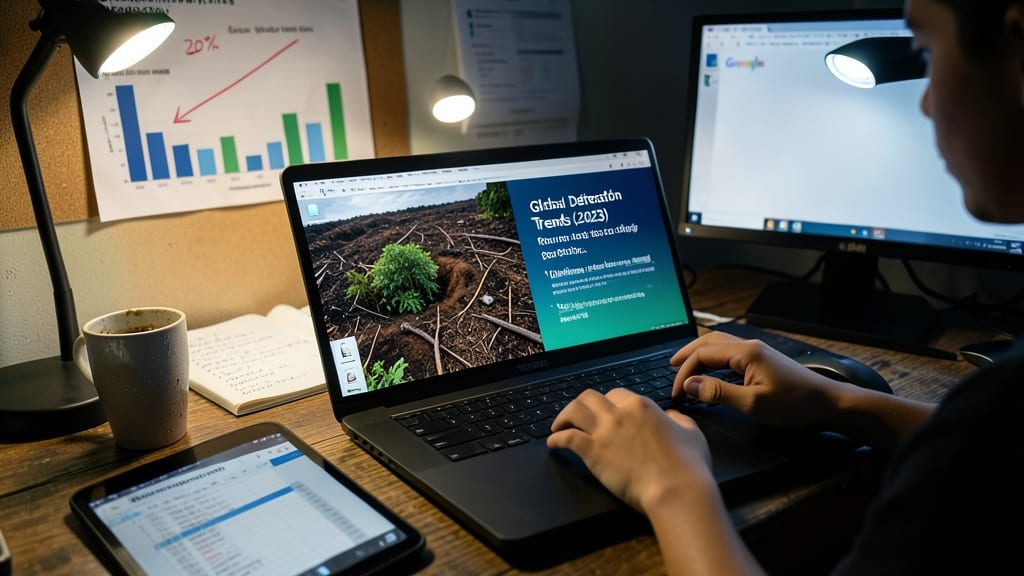
Turn your passion for the planet into a persuasive presentation that combines hard data with compelling storytelling. This project merges PowerPoint’s design tools with Excel’s analytical power to create an environmental awareness campaign that educates and inspires action.
Start by gathering statistics in Excel—carbon footprint calculations, recycling rates, or renewable energy trends—then visualize them in PowerPoint using dynamic charts and infographics. Add a call-to-action slide with real-world solutions (like community cleanup events or energy-saving tips) to show how skills translate to impact. Use trends and animations to highlight before/after scenarios, like deforestation or ocean pollution.
Perfect for science or social studies classes, this project teaches data literacy while giving students a platform to advocate for change. Teachers love how it ties research to real-world problem-solving! ✨
Language Learning Presentation

Struggling to show off your language skills in class? A bilingual presentation using PowerPoint’s built-in tools can turn your language learning into a dynamic showcase. Instead of just speaking, you’ll create a visual-audio masterpiece that proves fluency through translation, pronunciation, and cultural context.
Start by using PowerPoint’s translation feature (under Review > Translate) to instantly convert slides between languages. Add audio clips (via Insert > Audio) to record yourself speaking in both languages, then sync them with visuals like flag graphics or side-by-side sentence comparisons. For extra polish, embed Word documents with grammar explanations or cultural notes—all while keeping the design clean with Microsoft’s free templates like "Bilingual Presentation" or "Language Comparison."
This project is perfect for foreign language classes, study-abroad prep, or dual-language programs. It’s also a great way to stand out in college applications by demonstrating real-world language skills beyond textbooks. ✨
Classroom Debate Visual Aid
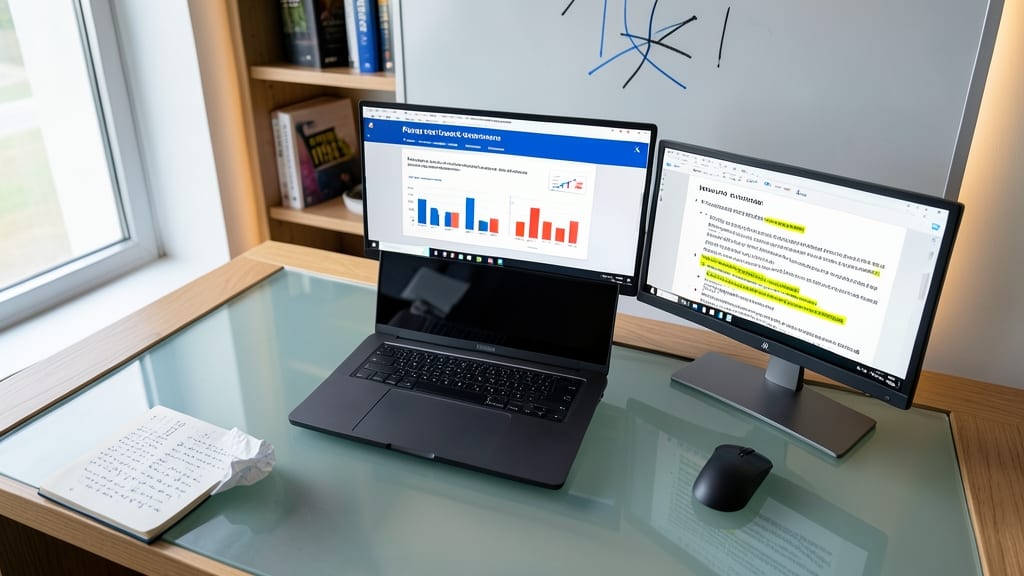
Turn your debate prep from chaotic note-scrawling to a strategic visual powerhouse with this multi-tool approach. Instead of memorizing points, create a PowerPoint debate aid that integrates research and data seamlessly—making your arguments impossible to ignore.
Start by using Word documents to organize research sources, then embed key quotes directly into your slides as callouts. For statistical comparisons, pull Excel graphs (like bar charts or pie charts) to visually prove your points—no one argues with data presented this cleanly. Add a "Pro/Con" slide template to structure your argument flow, and use PowerPoint's Morph transitions to smoothly shift between evidence and rebuttals.
This project is perfect for social studies, debate club, or public speaking classes—ideal for students who want to stand out in competitions or class discussions. 💻