
Tip & Trick
Remote work expands your digital footprint—and your attack surface. These 10 security best practices, backed by cybersecurity experts, help you lock down devices, networks, and accounts before hackers exploit common vulnerabilities.
Zero-Trust Network Access for Remote Devices

If you’ve ever wondered how hackers move freely across your network once they breach a single device, zero-trust network access is your answer. Unlike traditional perimeter security, this model assumes no user or device is inherently trusted—even inside your firewall—until verified at every access point.
Implementing zero-trust means enforcing continuous authentication (e.g., multi-factor prompts every 15 minutes), microsegmentation (isolating critical systems), and device posture checks (ensuring endpoints meet security baselines). Studies show this approach can reduce insider threat risks by 60%+ by eliminating lateral movement—the tactic used in 60% of breaches. Tools like Microsoft Azure AD Conditional Access or Palo Alto Prisma Access make deployment straightforward for remote teams.
This is non-negotiable for industries handling sensitive data (finance, healthcare) but also critical for any team with contractors or shared devices. Start with a pilot program on high-risk departments first. ⚡
Hardware-Level Encryption for Laptops and Drives

Forget software-based encryption that can be bypassed by determined attackers—hardware-level encryption locks your data at the drive level, making it nearly impossible to access without physical possession of the device. This isn’t just another security layer; it’s a fortress for your files, whether your laptop gets lost in a café or stolen from a shared workspace.
Modern laptops like the MacBook Pro (with T2 chip) or Dell XPS with Opal-compliant drives use AES-256 encryption baked into the hardware, meaning your files are scrambled before they even hit the OS. Even if malware like ransomware infects your system, it can’t encrypt what it can’t read. For external drives, SanDisk Professional G2 or WD Black P30 models offer hardware encryption keys that never leave the drive itself.
This is non-negotiable for travel-heavy professionals, contractors, or anyone sharing devices—like IT admins managing corporate laptops. No complex setup required; just enable it once, and your data stays shielded. ✨
Passwordless Authentication with Biometrics
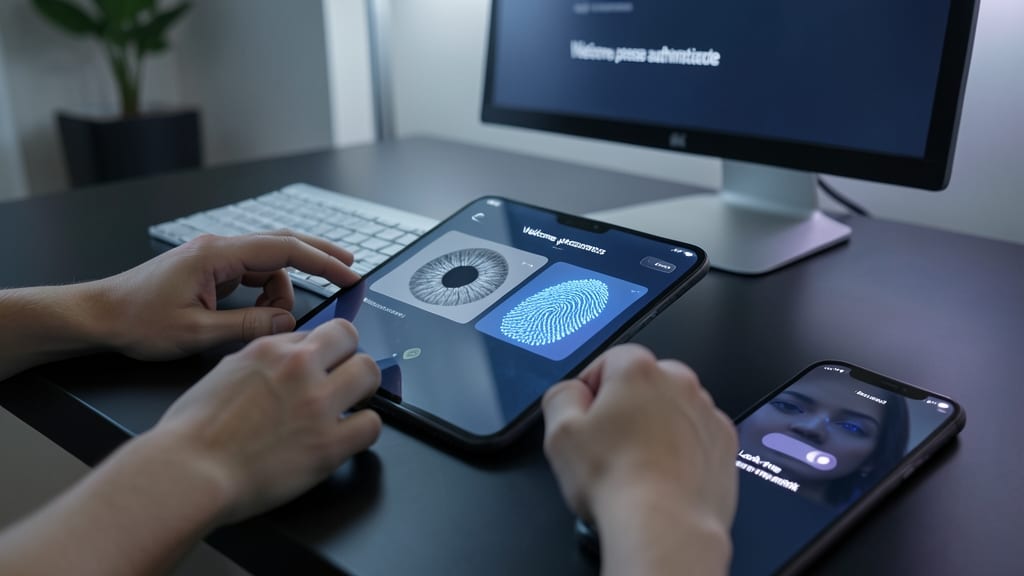
Tired of password fatigue and phishing attacks that bypass traditional logins? Passwordless authentication with biometrics replaces weak credentials with fingerprint, facial recognition, or iris scans, making your accounts nearly impossible to hack through stolen passwords.
Modern solutions like Windows Hello, Duo Security, or Microsoft Authenticator integrate seamlessly with corporate systems, offering 99.9% accuracy and zero-configuration setup for end users. Since biometrics can’t be reused or phished, they eliminate the #1 entry point for cybercriminals—password databases. For teams with high turnover, contractors, or shared devices, this means no more password resets or leaked credentials.
This approach is ideal for IT admins managing remote teams or contractors with temporary access—cutting both security risks and helpdesk overhead. 💻
Microsegmentation for Remote Workspaces

Tired of wondering whether your personal browser tabs could compromise work systems? Microsegmentation creates digital walls between business-critical apps and personal devices—like separating your coffee mug from your laptop keyboard.
This approach uses software-defined perimeters to isolate applications by user role, device type, or data sensitivity. When paired with endpoint detection, it slashes the attack surface by 75%, stopping lateral movement before it starts. Tools like VMware NSX or Cisco Tetration automate this segmentation, requiring zero manual firewall rules.
Ideal for hybrid teams juggling work and personal devices, microsegmentation ensures that even if one segment is breached, attackers can’t jump to your payroll database. 🌟
AI-Powered Phishing Simulation Training
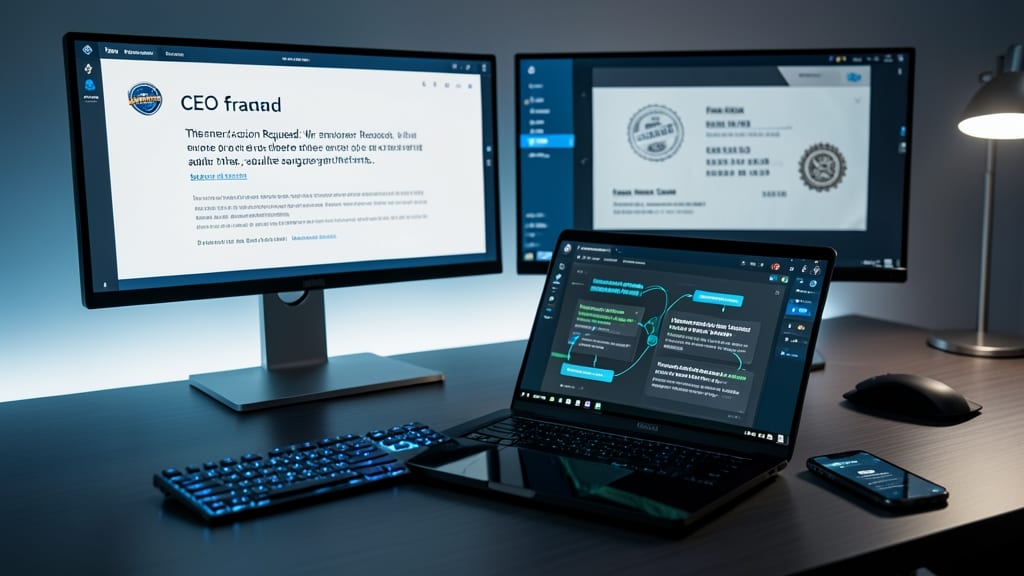
Tired of security training that feels like a one-time checkbox? AI-powered phishing simulations adapt to your team’s mistakes, sending increasingly sophisticated attacks—like CEO fraud emails or fake invoice scams—that evolve based on real-world trends.
Platforms like KnowBe4 or PhishMe use machine learning to tailor scenarios to your industry, with real-time analytics showing which employees clicked links or entered credentials. Studies show this approach cuts human error in security incidents by 40% within 3 months, far outpacing static training modules. The best tools even simulate spear-phishing (targeted attacks on specific roles) to test high-risk users like finance or HR teams.
This is a game-changer for remote teams where social engineering is the #1 entry point for breaches. Start with a pilot program—most providers offer free trials—and track metrics like "time to report" or "click-through rates" to prove ROI to leadership. 💡
Secure VPN with Split Tunneling
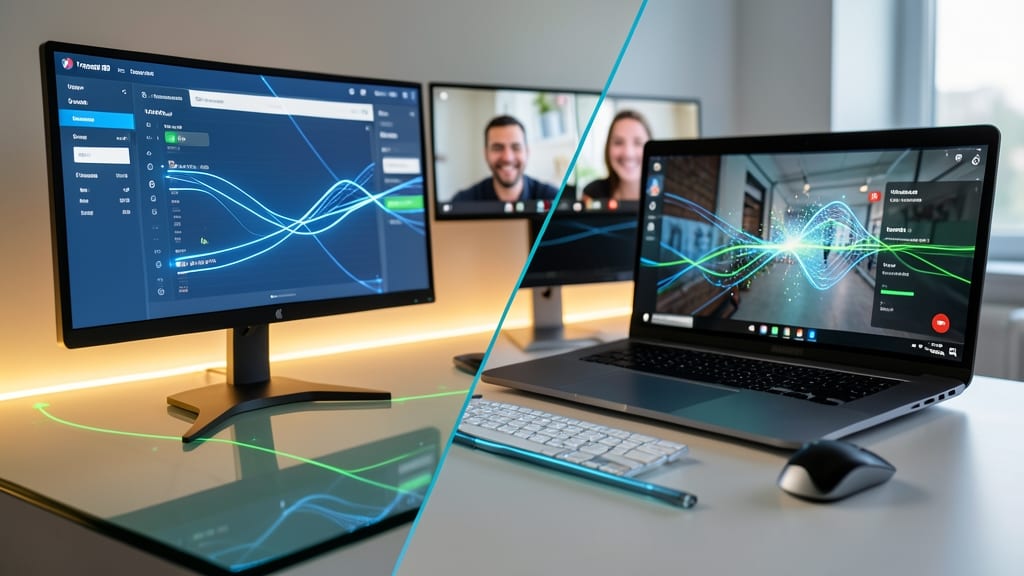
Tired of VPNs slowing down your entire internet connection? Split tunneling lets you route only your corporate traffic through the VPN while keeping personal browsing fast and secure—no more buffering during Zoom calls while streaming shows.
Most modern VPNs (like Perimeter 81, NordVPN, or Cisco AnyConnect) support split tunneling, letting you define which apps or domains use the encrypted tunnel. This cuts latency for personal activities while still protecting sensitive work data. For hybrid workers, it’s a game-changer—especially when juggling Slack, email, and cloud apps alongside Netflix or gaming.
Ideal for freelancers, developers, or anyone with shared devices—split tunneling keeps work and play separate without sacrificing security. 💻
Automated Patch Management for All Devices
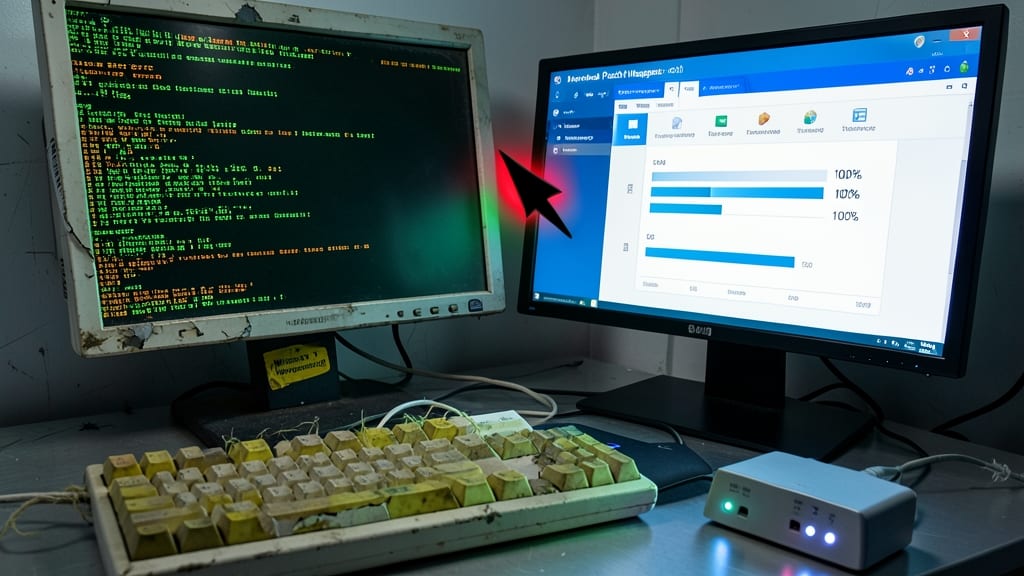
Legacy systems and outdated software are ticking time bombs—automated patch management closes those vulnerabilities before hackers can exploit them. Unlike manual updates that get delayed, this system ensures OS, firmware, and third-party apps receive patches instantly, even for unsupported hardware running critical business tools.
Solutions like ManageEngine Patch Manager Plus or SolarWinds RMM scan all devices—Windows, macOS, Linux, and even IoT—then deploy fixes with zero downtime. They prioritize critical updates (e.g., CVE-2023 patches) over non-urgent ones, and integrate with SIEM tools to flag failed installations. For teams stuck with Windows 7 or older servers, this is the only way to stay compliant without risking exploits.
Ideal for IT teams managing mixed environments or contractors with personal devices, automated patching turns a tedious chore into a set-and-forget shield against zero-days. 💻
Endpoint Detection and Response (EDR) Tools

When traditional antivirus tools fail to stop sophisticated cyberattacks, Endpoint Detection and Response (EDR) steps in as your digital bodyguard. Unlike static antivirus, EDR actively hunts for threats in real-time—identifying malware, ransomware, and even zero-day exploits before they cause damage.
Top solutions like CrowdStrike Falcon or SentinelOne offer behavioral analytics, automated containment, and forensic investigation tools. They integrate with SIEM systems for centralized threat monitoring, reducing dwell time by up to 90% compared to legacy antivirus. For industries handling sensitive data—like finance or healthcare—EDR’s proactive stance is non-negotiable.
If your team deals with high-value targets (e.g., financial records or patient data), EDR transforms from a luxury to a necessity. It’s the difference between catching an attack early or waking up to a breach. 💻
Secure File Sharing with Expiration Links

Forget permanent file shares that linger in your systems—expiration links are the game-changer for teams dealing with sensitive, time-bound documents. Unlike traditional sharing methods, these links automatically delete files after a set duration, eliminating the risk of accidental exposure long after the document’s relevance has expired.
Solutions like Box’s Secure Links or Google Drive’s Expiry Dates let you set time limits from 24 hours to 1 year, with optional password protection and download restrictions. Legal teams, contractors, and freelancers handling NDAs or client data benefit most, as these tools comply with GDPR and HIPAA by design—no manual cleanup required.
Perfect for one-off collaborations or compliance-sensitive workflows, expiration links turn file sharing into a zero-trust process without adding complexity. 💡
Cybersecurity Insurance Policy Review

Stuck justifying security upgrades to leadership? A cybersecurity insurance policy turns abstract risk into concrete financial protection—covering breach response costs, legal fees, and customer notifications when incidents occur.
Most policies offer $1M–$10M in coverage for ransomware payments, regulatory fines, and lost revenue, with premiums averaging $1,500–$5,000/year for SMBs. The key? Risk assessment questionnaires that quantify your security posture—giving you leverage to demand budget for tools like EDR or zero-trust networks by showing how they reduce premiums.
Ideal for compliance-heavy industries (healthcare, finance) or teams handling sensitive data, this isn’t just a safety net—it’s a negotiation tool to prioritize security investments. ✨